Table of Contents
Introduction: Why Your Keyboard Matters More Than You Think
In an era where digital interaction dominates our daily lives, the humble computer keyboard often gets overlooked—yet it remains one of the most critical tools for productivity, creativity, and comfort. Whether you’re a gamer, a writer, or a professional navigating spreadsheets, the right keyboard can dramatically enhance your efficiency and overall computing experience. This guide explores the key factors to consider when selecting a keyboard, from switch types to ergonomic designs, helping you find the perfect match for your specific needs.
The Evolution of Computer Keyboards: From Typewriters to Mechanical Marvels
Early Keyboards and Their Limitations
The first computer keyboards were simple adaptations of typewriters, with limited functionality and a one-size-fits-all design. These early models lacked the customization and tactile feedback that modern users expect.
Modern Keyboard Innovations
Today’s keyboards come in a variety of shapes, sizes, and technologies, from mechanical switches to membrane designs and even fully customizable RGB-lit options. This evolution reflects the diverse needs of users across gaming, professional work, and casual computing.
Key Factors to Consider When Choosing a Keyboard
Switch Types: Mechanical, Membrane, and Beyond
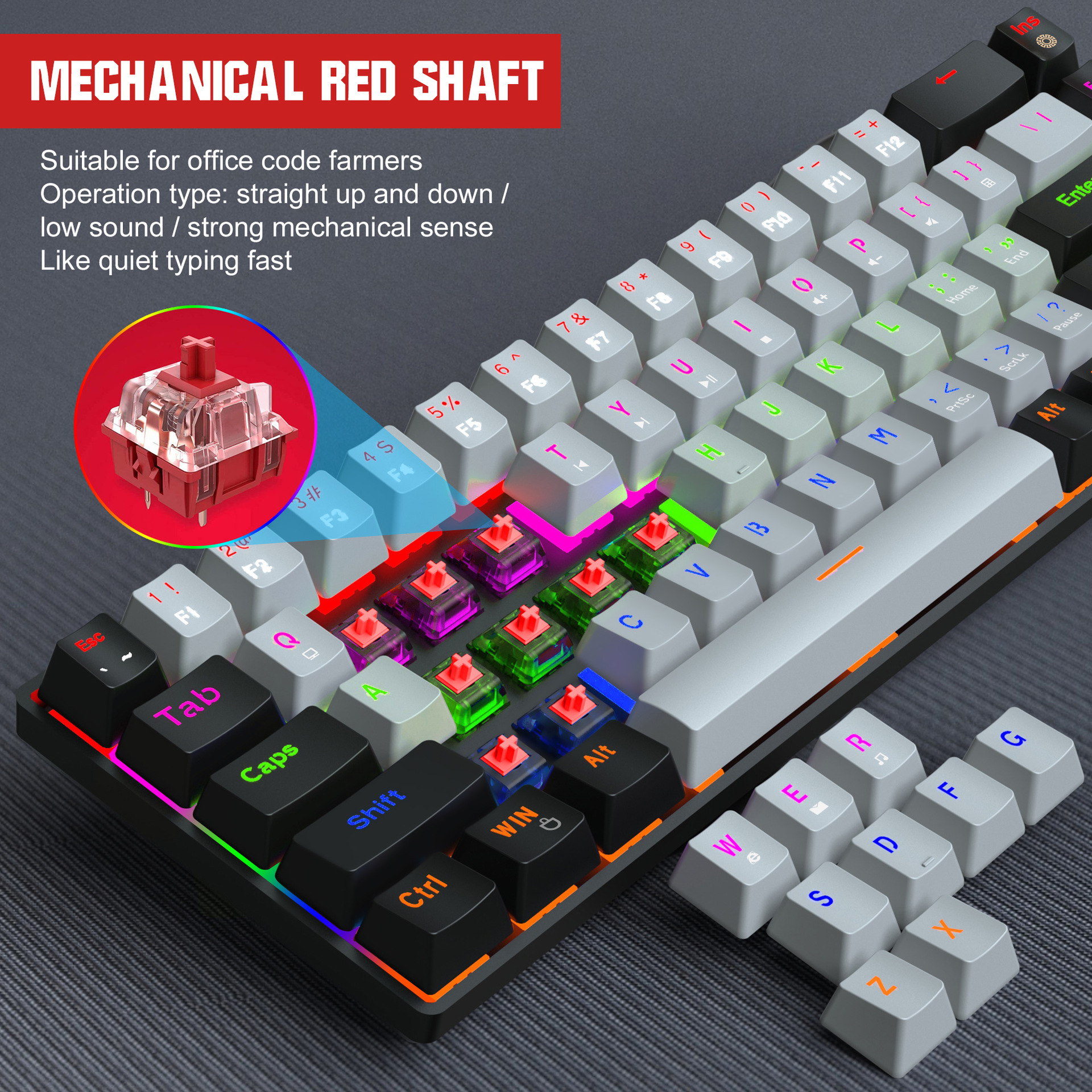
Mechanical switches offer tactile feedback and durability, making them a favorite among gamers and typists. Membrane keyboards, on the other hand, provide quieter operation and are often more affordable. Hybrid switches combine the best of both worlds, offering a balance of feel and sound.
Layout and Size: Finding the Right Fit for Your Workspace
From full-sized keyboards with number pads to compact tenkeyless designs, the size of your keyboard can significantly impact your workflow. Consider your desk space and the tasks you perform most frequently when choosing a layout.
Build Quality and Durability
High-quality materials like aluminum frames and PBT keycaps ensure longevity, while reinforced switches can withstand millions of keystrokes. Investing in a durable keyboard pays off in the long run, especially for heavy users.
Specialized Keyboards for Different Needs
Gaming Keyboards: Speed, Precision, and Customization
Gaming keyboards often feature customizable RGB lighting, programmable macros, and low-latency switches to give players a competitive edge. Anti-ghosting and N-key rollover ensure that every key press is registered accurately, even during intense gaming sessions.
Mechanical Keyboards for Typists: Tactile Feedback and Comfort
Typists benefit from mechanical keyboards with tactile switches that provide audible and physical feedback, reducing errors and improving typing speed. Ergonomic designs with wrist rests further enhance comfort during long typing sessions.
Silent Keyboards for Quiet Environments
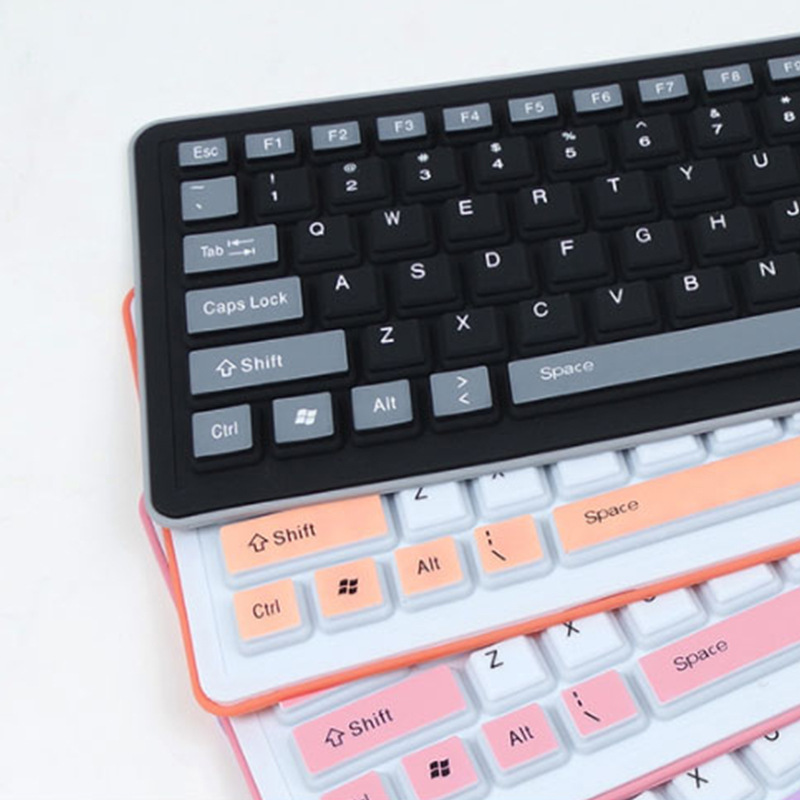
For shared workspaces or late-night work, silent keyboards with low-profile switches or rubber dome designs minimize noise while maintaining functionality. These are ideal for open offices or home environments where noise is a concern.
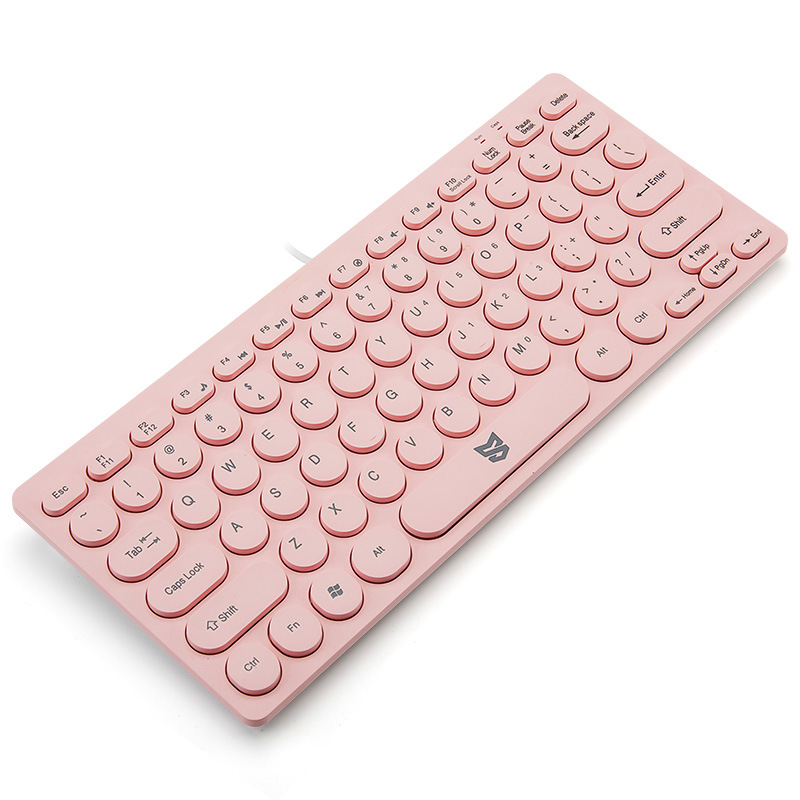
Ergonomics and Comfort: Reducing Strain During Long Sessions
Split and Ortholinear Keyboards: A New Approach to Typing
Split keyboards allow you to position the halves at an angle that reduces strain on your wrists and shoulders. Ortholinear layouts, where keys are aligned in straight columns, promote a more natural hand position, potentially reducing the risk of repetitive strain injuries.
Wrist Rests and Adjustable Angles: Supporting Your Posture
Ergonomic keyboards often come with built-in wrist rests or adjustable stands to keep your hands and wrists in a neutral position. This helps prevent discomfort and long-term issues like carpal tunnel syndrome.
Tenting and Keycap Shape: Fine-Tuning Your Typing Experience
Some keyboards allow you to adjust the tenting angle, tilting the keyboard for a more natural hand position. Keycap shape and size also play a role in comfort, with sculpted designs providing better finger alignment.
Connectivity Options: Wired vs. Wireless Keyboards
Wired Keyboards: Reliability and Low Latency
Wired keyboards offer a stable connection with no input lag, making them ideal for gaming and professional applications where every millisecond counts. They also eliminate the need for battery charging or replacement.
Wireless Keyboards: Freedom and Flexibility
Wireless keyboards provide the freedom to work from anywhere within range of your computer or smartphone. Advances in Bluetooth and 2.4GHz technology have significantly reduced latency, making wireless options viable for gaming and precision work.
Bluetooth vs. 2.4GHz Wireless: Which is Better?
Bluetooth is convenient for connecting to multiple devices, while 2.4GHz dongles often provide a more stable and faster connection. Some keyboards offer both options, giving you the flexibility to choose based on your needs.
Customization and Personalization: Making the Keyboard Yours
Programmable Keys and Macros: Streamlining Your Workflow
Many modern keyboards allow you to program keys for specific functions or macros, automating repetitive tasks and saving time. This is especially useful for gamers, programmers, and power users.
RGB Lighting and Aesthetics: Personalizing Your Setup
RGB lighting isn’t just about looks—it can also help you customize your keyboard for different moods or tasks. Some keyboards even allow you to sync lighting effects with other peripherals for a cohesive setup.
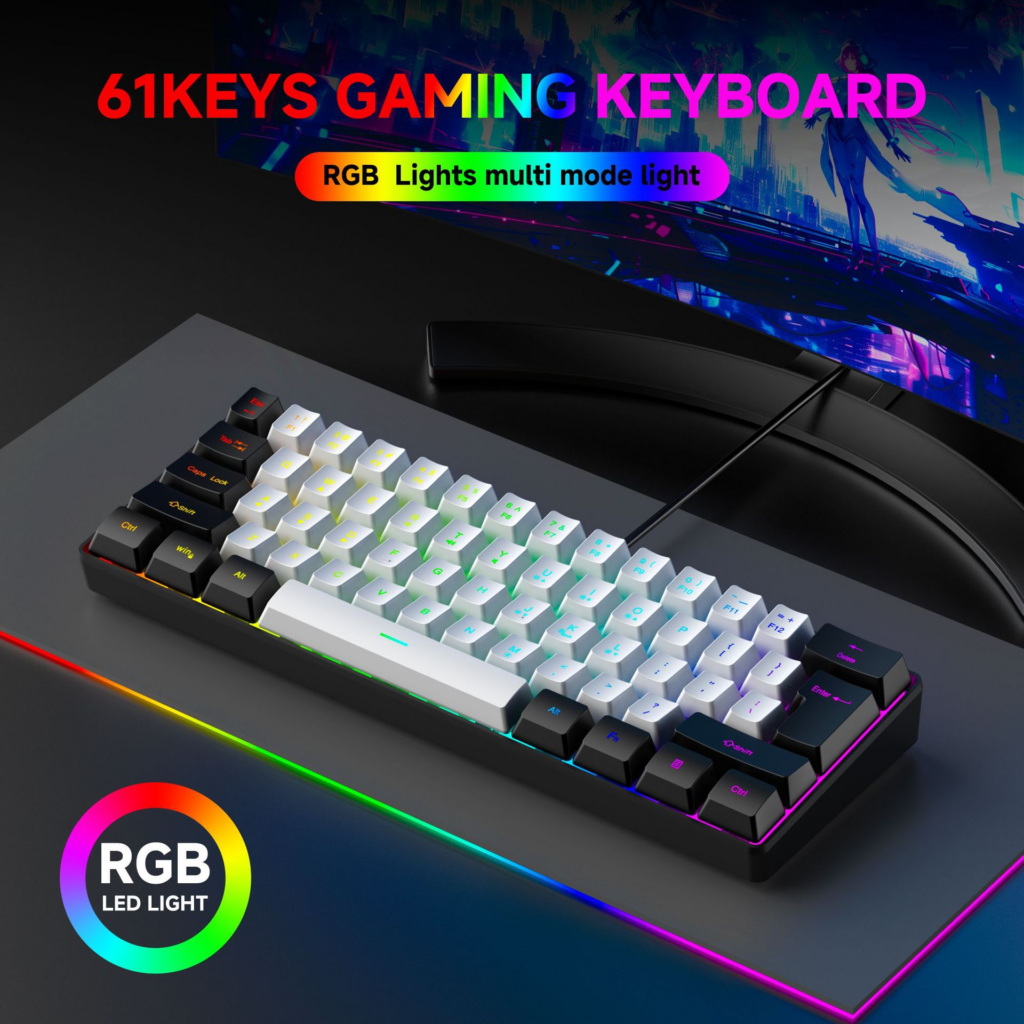
Hot-Swappable Switches: Experimenting with Different Feel
Hot-swappable keyboards let you change switches without soldering, allowing you to experiment with different tactile feedback and actuation points. This is a game-changer for enthusiasts who want to fine-tune their typing experience.
Maintenance and Cleaning: Keeping Your Keyboard in Top Shape
Regular Cleaning Tips: Preventing Dust and Grime Buildup
Use compressed air to blow out debris from between the keys, and gently clean the surface with a microfiber cloth. For deeper cleaning, remove the keycaps and wash them with mild soap and water.
Deep Cleaning Methods: Restoring a Dirty Keyboard
For stubborn grime, consider using a keyboard cleaning kit with specialized tools to remove dirt from hard-to-reach areas. Some enthusiasts even disassemble their keyboards for a thorough cleaning, though this requires technical skill.
Protecting Your Keyboard from Damage
Invest in a keyboard cover or skin to protect against spills and scratches. Avoid eating or drinking near your keyboard, and consider using a wrist rest to prevent accidental key presses.
The Future of Keyboards: Trends and Innovations
AI-Powered Keyboards: Adapting to Your Typing Habits
Future keyboards may use AI to learn your typing patterns and adjust key sensitivity or layout dynamically, improving efficiency and reducing fatigue.
Modular Keyboards: Building Your Perfect Layout
Modular designs allow you to customize the size, shape, and functionality of your keyboard, creating a truly personalized input device.
Sustainable Materials and Eco-Friendly Design
As environmental concerns grow, manufacturers are exploring recycled plastics, biodegradable keycaps, and energy-efficient components to reduce the ecological footprint of keyboards.
Conclusion: Finding the Keyboard That’s Right for You
Choosing the perfect keyboard is a deeply personal decision that depends on your specific needs, preferences, and work habits. By understanding the different types of keyboards, switch mechanisms, and ergonomic features, you can make an informed choice that enhances your productivity and comfort. Whether you’re a gamer, a writer, or a professional, the right keyboard can make all the difference in your daily computing experience.
How to purchase: https://looperbuy.com/search?keywords=key+computer+keyboard
Frequently Asked Questions (FAQs)
- What’s the difference between mechanical and membrane keyboards? Mechanical keyboards use individual switches under each key, providing tactile feedback and durability. Membrane keyboards rely on a rubber dome under the keys, offering quieter operation but less tactile response.
- How do I know which switch type is right for me? Try out different switches if possible—linear switches are smooth and quiet, tactile switches provide feedback, and clicky switches offer both feedback and an audible click. Your choice depends on typing style and noise tolerance.
- Are wireless keyboards reliable for gaming? Modern wireless keyboards with low-latency technology are suitable for gaming, especially those with dedicated 2.4GHz connections. Look for models with minimal input lag and long battery life.
- Can I clean my keyboard while it’s still connected to my computer? It’s safer to unplug or turn off your keyboard before cleaning to avoid accidental key presses or electrical issues. For thorough cleaning, remove the keycaps and disconnect the keyboard.
- What’s the best way to store a keyboard for long periods? Place the keyboard in a dry, dust-free environment, preferably in its original box or a protective case. Remove batteries if it’s wireless to prevent corrosion.
Hot Tags: Computer keyboard guide; Mechanical vs. membrane keyboards; Ergonomic keyboard benefits; Wireless keyboard connectivity; Keyboard customization; Gaming keyboard features; Keyboard maintenance tips; Future of keyboard technology; Best keyboards for typing; RGB keyboard lighting