In today’s digital age, the need for reliable and efficient data transfer solutions is more critical than ever. One of the most versatile and widely used cables is the 20′ USB to USB-C data cable. This article will explore the features, benefits, and applications of this essential accessory, providing you with a comprehensive understanding of its importance in our tech-driven lives. As technology continues to evolve, understanding the tools we use daily becomes increasingly vital, and the USB to USB-C cable is at the forefront of this evolution.
Table of Contents
Understanding USB and USB-C Technology
What is USB?
Universal Serial Bus (USB) is a standard for connecting computers and electronic devices. It allows for data transfer and power supply between devices. Over the years, USB technology has evolved, leading to various versions, each offering improved speed and functionality. The original USB 1.0 was introduced in 1996, providing a maximum data transfer rate of 12 Mbps. Since then, USB has undergone several iterations, including USB 2.0, which increased speeds to 480 Mbps, and USB 3.0, which further enhanced speeds to 5 Gbps. Each version has brought advancements that cater to the growing demands of users, making USB a cornerstone of modern connectivity.
The Evolution of USB-C
USB-C is the latest iteration of USB technology, characterized by its reversible connector and ability to support higher data transfer rates and power delivery. Unlike its predecessors, USB-C can transmit data, video, and power simultaneously, making it a game-changer in the world of connectivity. This versatility means that a single cable can handle multiple functions, reducing the clutter of cables and simplifying the user experience. The introduction of USB-C has also paved the way for new devices, such as laptops and smartphones, to adopt this universal standard, promoting compatibility across various platforms and manufacturers.
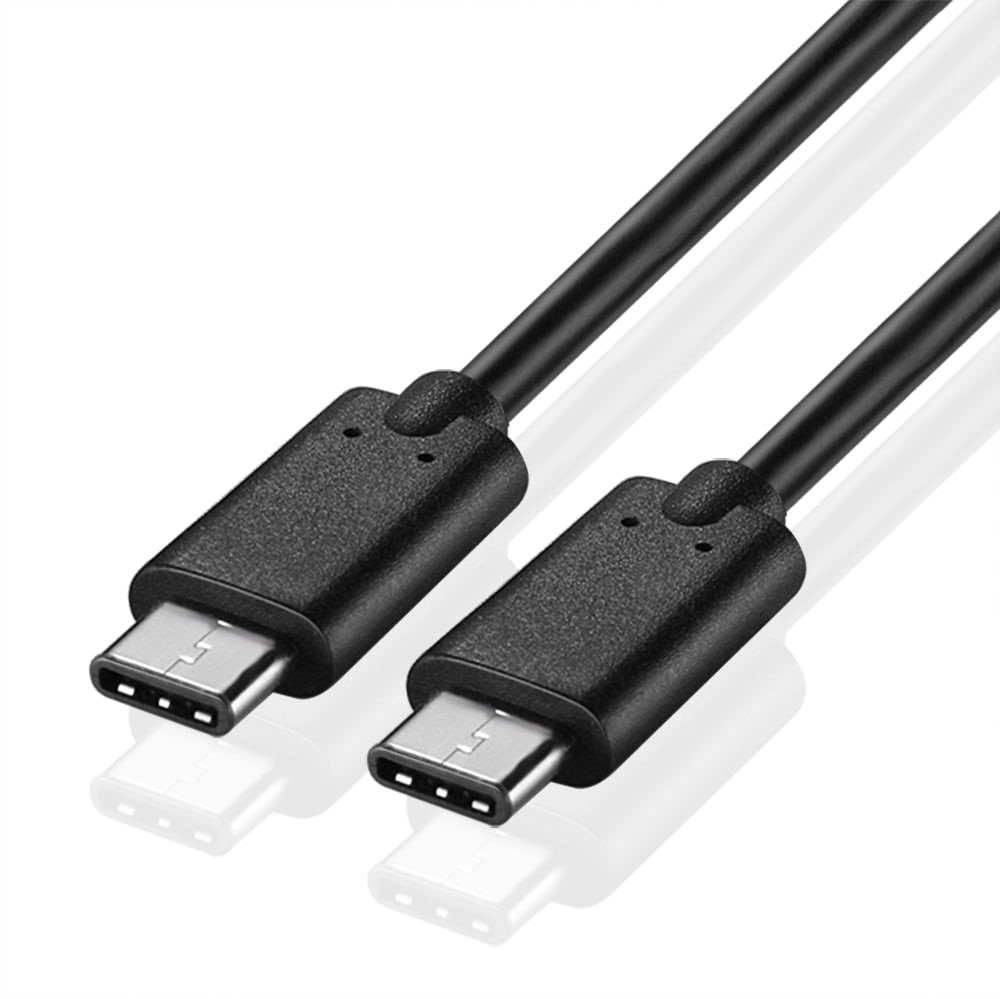
The Importance of a 20′ USB to USB-C Data Cable
Length Matters
The 20′ length of this cable provides significant advantages. It allows users to connect devices that are far apart without compromising on performance. Whether you are charging your laptop while sitting on the couch or connecting your smartphone to a desktop computer across the room, the extra length offers flexibility and convenience. This is particularly beneficial in home and office environments where devices may not always be positioned close to power sources or data hubs. The extended reach of a 20′ cable can also facilitate collaborative work, allowing multiple users to connect their devices without being tethered to a single location.
Versatility in Use
A 20′ USB to USB-C data cable is compatible with a wide range of devices, including smartphones, tablets, laptops, and external hard drives. This versatility makes it an essential tool for anyone who uses multiple devices daily. For instance, a single cable can be used to connect a smartphone to a laptop for data transfer, charge a tablet, or even connect a gaming console to a monitor. This multi-functionality not only saves money by reducing the need for multiple cables but also enhances the user experience by providing seamless connectivity across devices.
Key Features of 20′ USB to USB-C Data Cables
High-Speed Data Transfer
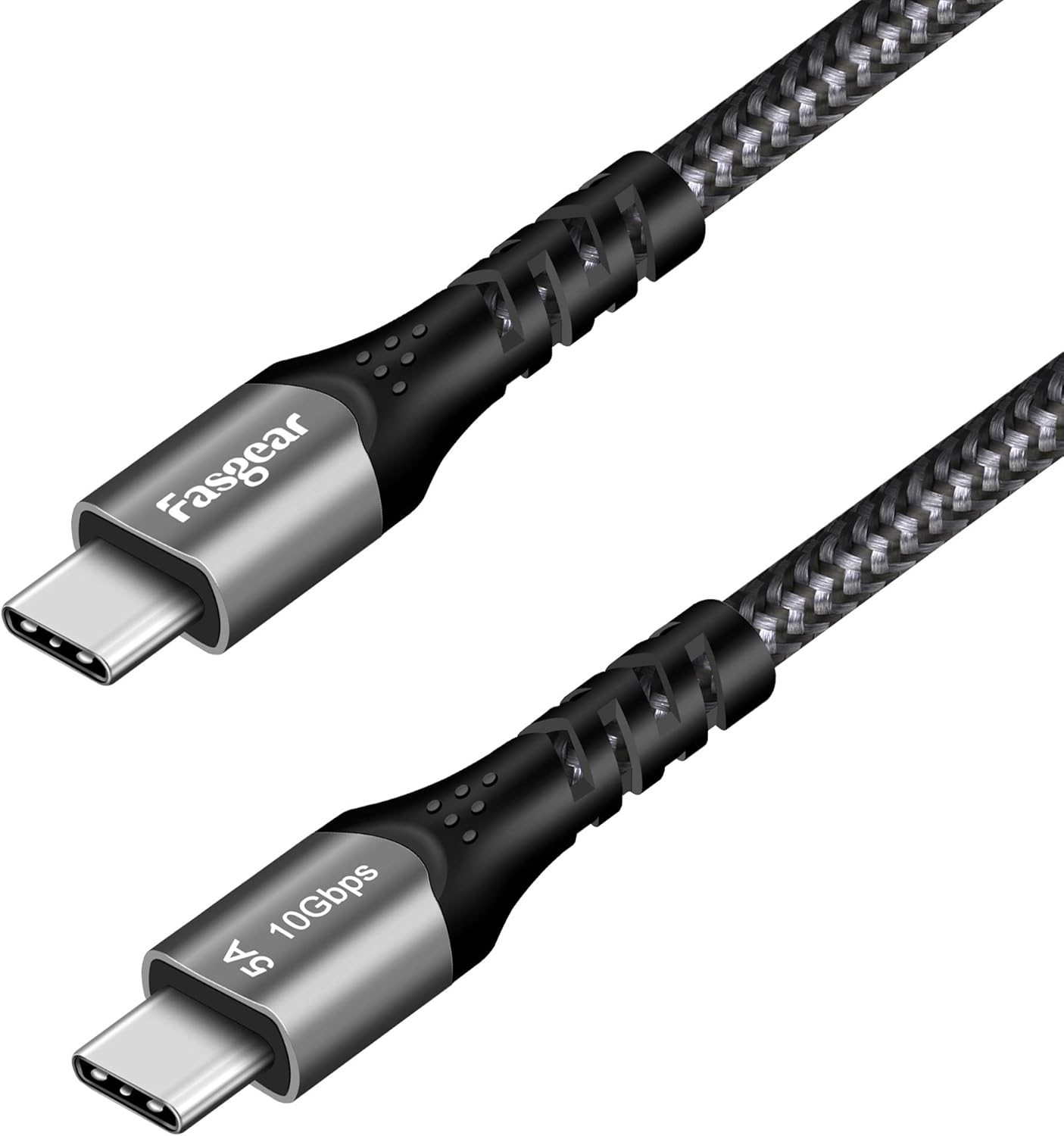
One of the standout features of a 20′ USB to USB-C data cable is its ability to support high-speed data transfer. Many of these cables can handle speeds up to 10 Gbps, allowing for quick file transfers, whether you are moving large video files or backing up important documents. This speed is particularly advantageous for professionals who work with large files regularly, such as graphic designers, video editors, and photographers. The ability to transfer data quickly can significantly enhance productivity, allowing users to spend less time waiting for files to transfer and more time focusing on their work.
Power Delivery Capabilities
In addition to data transfer, many USB-C cables support Power Delivery (PD), enabling faster charging for compatible devices. This means you can charge your devices more quickly, reducing downtime and keeping you connected longer. For example, a laptop that typically takes several hours to charge can be powered up in a fraction of the time with a PD-enabled cable. This feature is especially useful for users who are always on the go and need to ensure their devices are charged and ready for use at all times.
Durability and Design
Most 20′ USB to USB-C data cables are designed with durability in mind. They often feature reinforced connectors and braided exteriors to withstand daily wear and tear. This durability ensures that the cable will last longer, providing value for your investment. Additionally, many cables are designed to be tangle-free, making them easier to store and transport. A well-constructed cable can withstand the rigors of daily use, reducing the likelihood of fraying or breaking, which is a common issue with lower-quality cables.
Applications of 20′ USB to USB-C Data Cables
Home Office Setup
In a home office environment, a 20′ USB to USB-C data cable can be invaluable. It allows for easy connections between your laptop and peripherals like printers, external drives, and monitors, all while maintaining a tidy workspace. The extended length means you can position your devices wherever is most convenient without worrying about being tethered to a wall outlet. This flexibility can lead to a more organized and efficient workspace, enhancing productivity and comfort during long work hours.
Gaming
For gamers, having a reliable connection is crucial. A 20′ USB to USB-C data cable can connect gaming consoles to monitors or PCs, ensuring minimal lag and optimal performance during gameplay. The high-speed data transfer capabilities of these cables can enhance the gaming experience by providing faster response times and smoother graphics. Additionally, the longer length allows gamers to set up their gaming stations in a way that is comfortable and conducive to extended play sessions.
Photography and Videography
Photographers and videographers often need to transfer large files quickly. A 20′ USB to USB-C data cable can facilitate fast transfers from cameras to computers, streamlining the workflow and saving valuable time. This is particularly important during events or shoots where time is of the essence, and quick access to files is necessary for editing and sharing. The ability to connect directly to a computer without needing to remove memory cards can significantly enhance efficiency in professional settings.
Choosing the Right 20′ USB to USB-C Data Cable
Compatibility
When selecting a 20′ USB to USB-C data cable, ensure it is compatible with your devices. Check the specifications of your devices to confirm they support USB-C connections. Compatibility is crucial, as using an incompatible cable can lead to slower charging speeds or data transfer issues. Additionally, some devices may require specific types of USB-C cables to utilize all available features, such as fast charging or video output.
Speed Requirements
Consider your data transfer needs. If you frequently transfer large files, opt for a cable that supports higher speeds, such as USB 3.1 or USB 3.2. Understanding your speed requirements can help you choose a cable that meets your needs without overspending on features you may not use. For everyday tasks like charging and syncing, a standard USB-C cable may suffice, but for professional use, investing in a high-speed cable can make a significant difference.
Build Quality
Invest in a cable that offers durability. Look for features like braided exteriors and reinforced connectors to ensure longevity. A well-constructed cable can withstand the rigors of daily use, reducing the likelihood of fraying or breaking, which is a common issue with lower-quality cables. Additionally, consider the warranty or guarantee offered by the manufacturer, as this can provide peace of mind regarding the cable’s durability and performance.
Conclusion
A 20′ USB to USB-C data cable is an essential accessory for anyone who relies on technology in their daily life. Its versatility, high-speed capabilities, and durability make it a valuable tool for various applications, from home offices to gaming setups. By understanding the features and benefits of this cable, you can make an informed decision when purchasing one, ensuring you have the right tools to stay connected and productive. As technology continues to advance, having the right accessories will be crucial in maximizing the potential of your devices.
How to purchase:https://looperbuy.com/search?keywords=20%27+USB+to+USB-C+Data+Cables
Frequently Asked Questions
1. What devices can I use with a 20′ USB to USB-C data cable?
You can use this cable with a variety of devices, including smartphones, tablets, laptops, and external hard drives that support USB-C connections. This compatibility makes it a versatile choice for users with multiple devices.
2. How fast can data transfer occur with a 20′ USB to USB-C data cable?
Many 20′ USB to USB-C data cables support data transfer speeds up to 10 Gbps, allowing for quick file transfers. This speed is particularly beneficial for users who frequently work with large files.
3. Can I charge my devices with a 20′ USB to USB-C data cable?
Yes, most 20′ USB to USB-C data cables support Power Delivery, enabling faster charging for compatible devices. This feature can significantly reduce charging times, keeping your devices powered up and ready to use.
4. Is a longer cable better for data transfer?
While a longer cable provides more flexibility, it is essential to ensure that the cable is of high quality to maintain data transfer speeds over longer distances. A well-constructed cable can deliver excellent performance, even at extended lengths.
5. How do I know if a 20′ USB to USB-C data cable is durable?
Look for cables with reinforced connectors and braided exteriors, as these features typically indicate better durability and resistance to wear and tear. Additionally, consider the manufacturer’s reputation and any warranties offered.