Samsung smartphones are renowned for their cutting-edge technology, but even the most reliable devices can encounter issues. One frustrating problem users face is when the screen turns on and off repeatedly, disrupting normal usage. This guide delves into the root causes, step-by-step fixes, and preventive measures to resolve this issue, ensuring your device returns to optimal performance.
Table of Contents
Common Causes of Samsung Phone Screen Flickering or Restarting
Understanding the underlying reasons is the first step toward a solution. Here’s what might be triggering the issue:
1. Software Glitches
- Outdated OS: Running an older Android version can cause compatibility issues.
- Corrupted Apps: Third-party apps with bugs may conflict with system processes.
- Cache Overload: Accumulated junk files can overwhelm the device’s memory.

2. Hardware Malfunctions
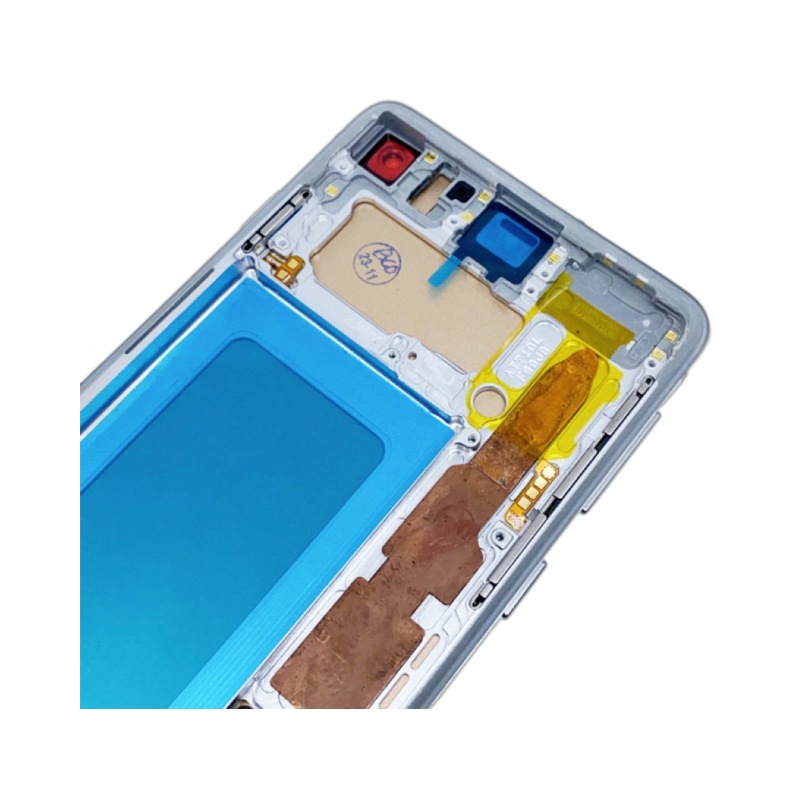
- Damaged Screen: Cracks or loose connections in the display assembly.
- Battery Issues: Swollen batteries or faulty power management chips.
- Water Damage: Liquid exposure can short-circuit internal components.
3. Settings Misconfiguration
- Adaptive Brightness: Faulty auto-brightness settings may cause erratic behavior.
- Proximity Sensor: Dust or debris blocking the sensor (common after phone drops).
Step-by-Step Solutions to Stop the Screen From Flickering
Force Restart Your Device
A hard reset can terminate rogue processes:
- Press and hold the Power + Volume Down buttons for 10–15 seconds.
- Wait for the Samsung logo to appear before releasing.
Boot into Safe Mode
Identify if a third-party app is causing the issue:
- Press and hold the Power button until the shutdown menu appears.
- Tap and hold Power Off until the “Safe Mode” prompt displays.
- If the screen stabilizes, uninstall recently installed apps one by one.
Update Software and Apps
Outdated software often contains critical bug fixes:
- System Updates: Go to Settings > Software Update > Download and Install.
- App Updates: Update apps via the Galaxy Store or Google Play Store.
Wipe Cache Partition
Clear corrupted temporary files:
- Turn off the device.
- Press and hold Volume Up + Bixby + Power buttons.
- Use Volume keys to navigate to Wipe Cache Partition > Power to select.
Factory Reset (Last Resort)
Back up data before proceeding:
- Go to Settings > General Management > Reset > Factory Data Reset.
- Confirm and wait for the device to reboot.
When to Seek Professional Help
If the issue persists, hardware damage may be the culprit:
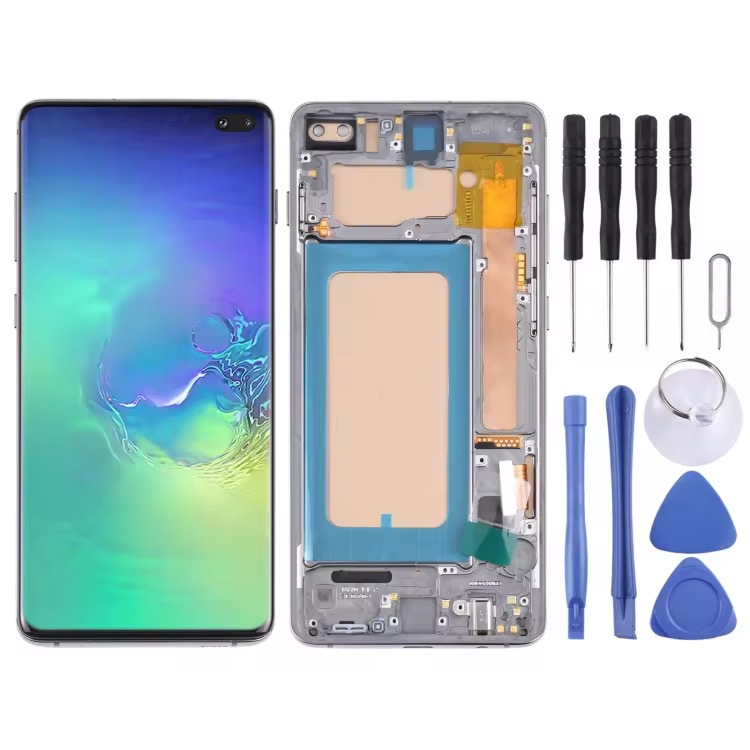
- Screen Replacement: For physical cracks or unresponsive zones.
- Battery Test: Authorized centers can diagnose power-related faults.
- Sensor Calibration: Technicians can realign the proximity or gyroscope sensors.
Preventive Measures to Avoid Future Issues
- Use Official Chargers: Uncertified cables can cause voltage fluctuations.
- Avoid Extreme Temperatures: Heat or cold damages batteries and screens.
- Regular Maintenance: Clear cache monthly and uninstall unused apps.
Conclusion
A Samsung phone screen that turns on and off repeatedly is often solvable with software tweaks or minor repairs. By systematically addressing potential causes—from app conflicts to hardware faults—users can restore stability without expert assistance. However, recurring issues warrant professional diagnosis to prevent irreversible damage.
How to Purchase:https://looperbuy.com/search?keywords=samsung+phone+screen+turns+on+and+off+repeatedly
Related Questions & Answers
Q: Why does my Samsung screen flicker after a software update?
A: Updates sometimes introduce compatibility issues. Clear the cache partition or wait for a patch release.
Q: Can a damaged screen cause boot loops?
A: Yes, damaged display cables may trigger intermittent connections, leading to restarts.
Q: How do I know if my battery is swollen?
A: Look for a raised back panel, uneven screen gaps, or slow charging. Replace immediately.
Q: Does Safe Mode delete my data?
A: No, it only disables third-party apps. Your files remain intact.
Q: Should I repair my phone or buy a new one?
A: For hardware issues like battery swelling, repairs are cost-effective. For outdated models, consider an upgrade.
Hot Tags: Samsung Phone Screen Turns On and Off Repeatedly; Samsung Screen Flickering Fix; Samsung Galaxy Boot Loop; Samsung Black Screen Issue; Samsung Proximity Sensor Problem; Samsung Phone Restarting Randomly; Samsung Display Glitch; Samsung System Update Issues; Samsung Hardware Repair Guide; Samsung Safe Mode Troubleshooting.