A reliable wireless computer mouse can significantly enhance your computing experience. With a wealth of options available on the market, selecting the right wireless mouse can be challenging. This article aims to provide you with detailed information on the features, benefits, and recommended brands of wireless computer mice, helping you find the perfect match for your needs.
Table of Contents
The Advantages of Wireless Computer Mice
Wireless computer mice offer a range of benefits that make them a popular choice among users.
Freedom of Movement
One of the most obvious benefits of wireless computer mice is the ability to move freely without being constrained by a cord. This freedom allows you to work comfortably from various positions, whether you’re sitting at a desk or lounging on a sofa. It also makes these mice ideal for use with laptops, enabling you to work on the go with ease.
Reduced Clutter
Without the need for wires, wireless mice help keep your workspace tidy and organized. This can be particularly beneficial if you have limited desk space or prefer a clean and minimalist setup.
Compatibility
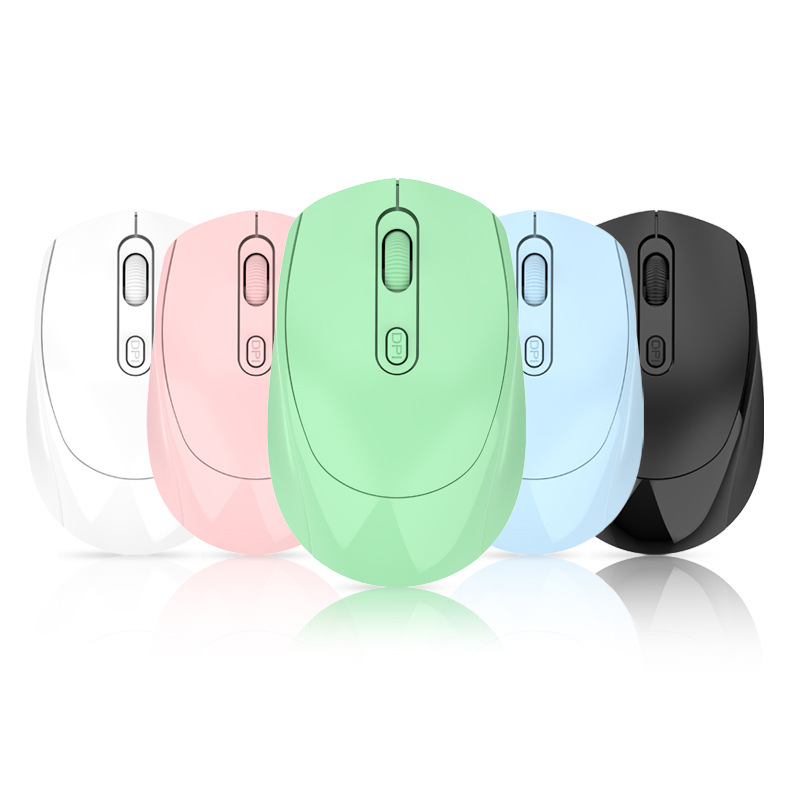
Modern wireless computer mice are designed to work with a wide range of devices. Most can connect via a USB receiver or Bluetooth, allowing you to pair them with multiple devices such as computers, laptops, tablets, and even smartphones. This versatility makes them suitable for both home and office use.
Long Battery Life
Many wireless mice feature advanced power management systems and energy-efficient technologies. Some models can operate for several months on a single set of batteries, while others are rechargeable and can last for weeks on a single charge. This means less time worrying about battery replacements and more time enjoying uninterrupted use.
Key Features to Look for in Wireless Computer Mice
When shopping for a wireless computer mouse, consider the following features to ensure you choose a product that meets your requirements.
Connection Options
Most wireless mice offer dual-mode connectivity, allowing you to connect via a USB receiver or Bluetooth. This flexibility is ideal for users who frequently switch between different devices. The Logitech M720 Triathlon, for example, supports both connection methods and can pair with up to three devices simultaneously.
Ergonomic Design
An ergonomic design can significantly improve comfort during extended use. Look for a mouse that fits naturally in your hand and reduces strain on your wrist and fingers. The Logitech MX Master 3S features an ergonomic design with a thumb-scroll wheel, making it comfortable for prolonged use.
Battery Life
Opt for a mouse with a long battery life to minimize disruptions. Some wireless mice, like the CHERRY MW 9100, have rechargeable lithium batteries that can last for several weeks on a single charge.
Customizable Buttons and DPI Settings
Customizable buttons and DPI (dots per inch) settings allow you to tailor the mouse to your specific needs. The Razer Viper V3 Pro, for instance, offers a maximum wireless polling rate of 8000Hz and supports a high DPI range, making it an excellent choice for gaming.
Scroll Wheel Options
A good scroll wheel enhances navigation. Some mice offer dual-mode scrolling, allowing you to switch between a standard notched scroll and a free-scrolling mode for quickly navigating long documents. The Logitech M720 Triathlon includes this feature, which can be toggled with a button behind the scroll wheel.
Recommended Wireless Computer Mouse Brands
Logitech
Logitech is a well-known and trusted brand in the computer peripherals market. Their wireless mice are renowned for their reliability, ergonomic designs, and innovative features. The Logitech MX Master 3S and Logitech M720 Triathlon are standout models that offer excellent performance and productivity features.
Razer
Razer specializes in high-performance gaming peripherals, and their wireless mice are no exception. The Razer Viper V3 Pro is a top choice for gamers, boasting a highly accurate sensor and ultra-low latency for a responsive gaming experience.
CHERRY
CHERRY offers premium wireless mice with a focus on comfort and durability. The CHERRY MW 9100 features a compact design, rechargeable battery, and adjustable DPI settings, making it suitable for both office and travel use.
HP
HP provides reliable and affordable wireless mice that cater to everyday users. Their HP Z3700 is a basic yet functional option for those on a budget.
Conclusion
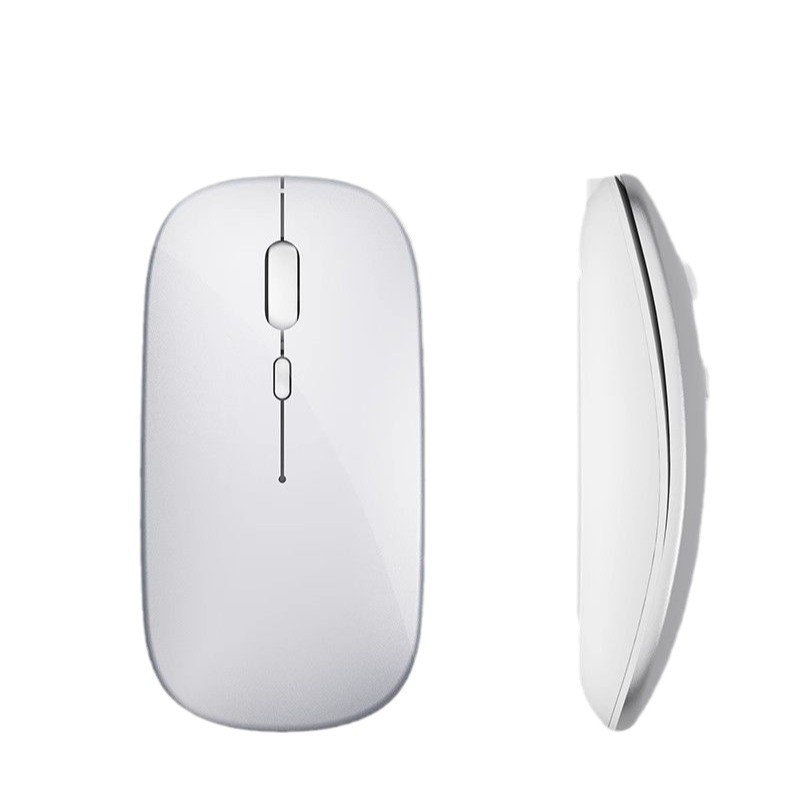
Wireless computer mice offer a combination of convenience, comfort, and versatility that wired mice simply cannot match. Whether you’re a gamer, a professional, or just someone looking to improve their computing experience, there’s a wireless mouse out there to suit your needs. By considering factors such as connection options, ergonomic design, battery life, and customizable features, you can find a wireless mouse that enhances your productivity and comfort.
How to Purchase:https://looperbuy.com/search?keywords=wireless+computer+mice
Related Questions and Answers
Q: How do I connect my wireless mouse to multiple devices?
A: Most wireless mice support dual-mode connectivity via a USB receiver and Bluetooth. To connect to multiple devices, simply pair the mouse with each device using the respective connection method. Some mice also have dedicated software that allows for seamless switching between devices.
Q: How often do I need to replace the batteries in my wireless mouse?
A: Battery life varies depending on the mouse and usage patterns. Many wireless mice can last for several months on a single set of batteries. Rechargeable models typically last for weeks on a single charge. Check the manufacturer’s specifications for details on battery life.
Q: Can I use a wireless mouse for gaming?
A: Yes, many wireless mice are designed specifically for gaming. They offer high – accuracy sensors, low – latency connections, and customizable buttons to meet the demands of gamers. The Razer Viper V3 Pro is a prime example of a wireless gaming mouse.
Q: Are wireless mice compatible with all operating systems?
A: Most wireless mice are compatible with Windows, macOS, and Linux. Some may also support mobile operating systems like Android and iOS. Always check the product specifications to ensure compatibility with your device’s operating system.
Q: How do I clean my wireless mouse?
A: To clean your wireless mouse, use a soft, lint-free cloth to gently wipe the surface. Avoid using excessive water or harsh chemicals, as they can damage the mouse’s electronics. For the sensors and buttons, a gentle cleaning with a damp cloth should suffice.
Hot Tags: Wireless Computer Mice; Wireless Computer Mouse Features; Best Wireless Computer Mouse Brands; Dual – Mode Connectivity; Ergonomic Mouse Design; Long Battery Life Mouse; Customizable Mouse Buttons; High – DPI Mouse; Gaming Wireless Mouse; Bluetooth Mouse