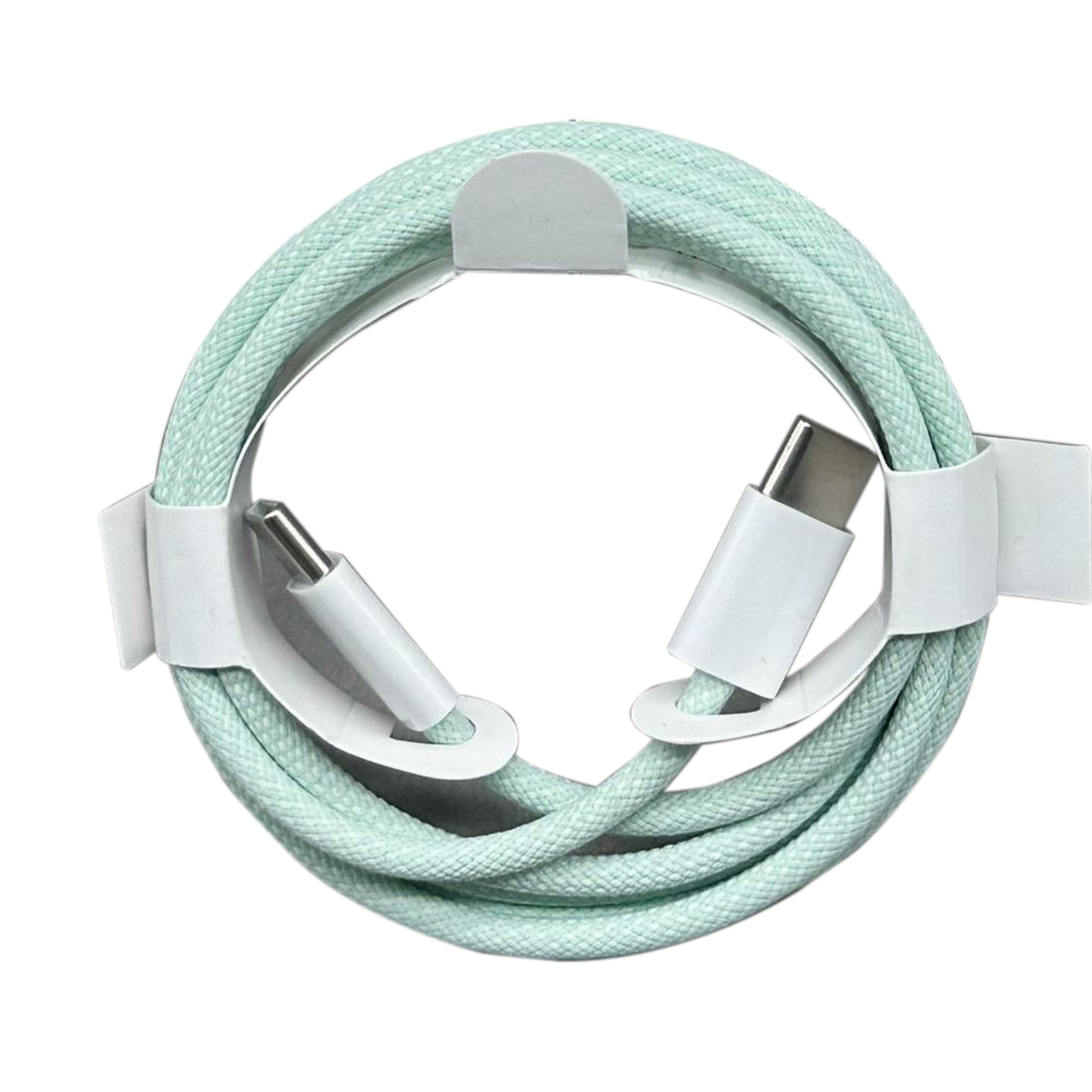
As technology continues to evolve, so do the accessories that accompany our devices. The iPhone 15 Pro, with its advanced features and capabilities, requires a charging cable that can keep up with its performance. In this guide, we will explore everything you need to know about charging cables for the iPhone 15 Pro, including types, features, and recommendations to ensure you get the best charging experience.
Table of Contents
Understanding the iPhone 15 Pro Charging Requirements
The Shift to USB-C
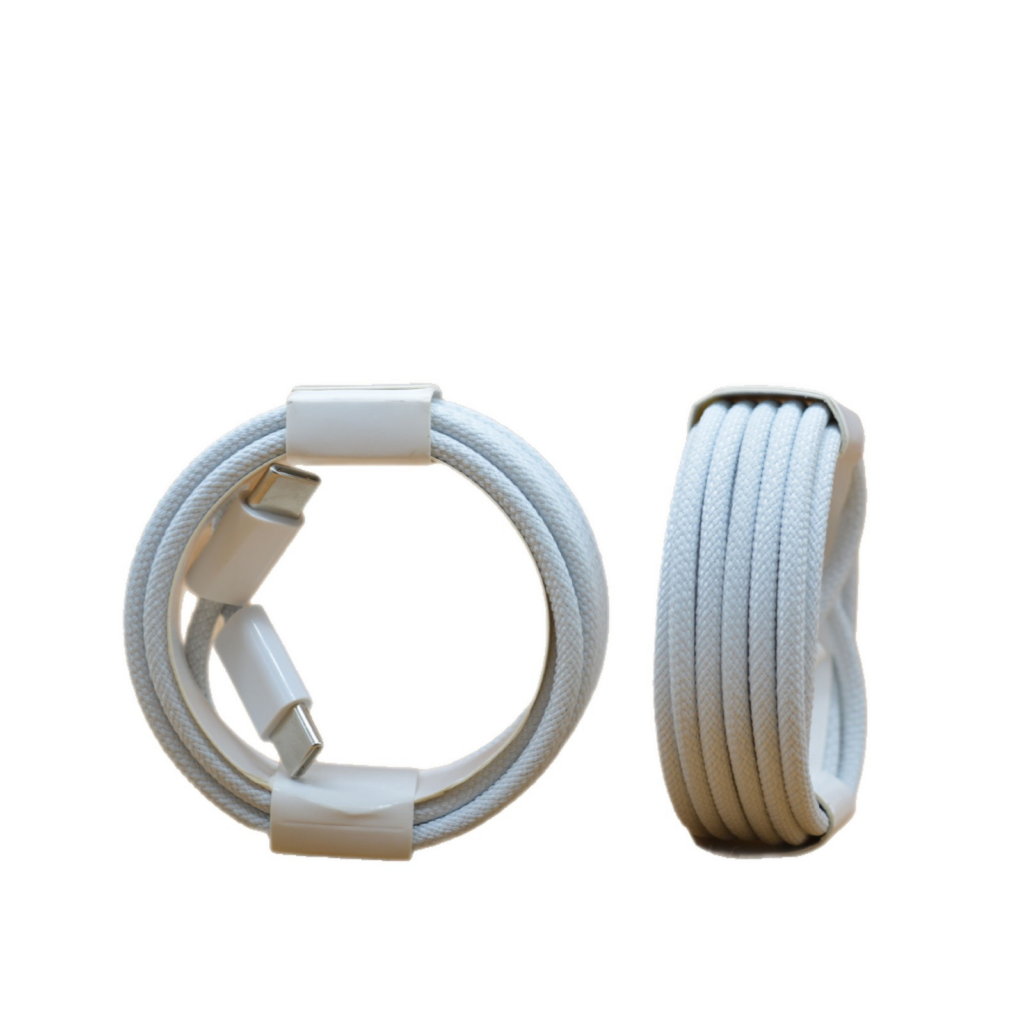
With the introduction of the iPhone 15 Pro, Apple has made a significant shift from the traditional Lightning connector to a USB-C port. This change aligns with industry standards and offers several advantages, including faster data transfer rates and compatibility with a wider range of devices. USB-C cables are now essential for charging and connecting your iPhone 15 Pro to other devices.
Power Delivery (PD) Support
One of the key features of the iPhone 15 Pro is its support for Power Delivery (PD). This technology allows for faster charging by delivering higher wattage to your device. To take full advantage of this feature, it is crucial to use a charging cable that supports PD. Look for cables that specify compatibility with PD to ensure optimal charging speeds.
Types of Charging Cables for iPhone 15 Pro
Standard USB-C to USB-C Cables
These cables are the most common type for the iPhone 15 Pro. They are designed to connect the device to a USB-C power adapter or other USB-C devices. When choosing a standard USB-C cable, consider the following:
- Length: Cables come in various lengths, typically ranging from 1 meter to 3 meters. Choose a length that suits your charging needs, whether at home, in the office, or on the go.
- Durability: Look for cables with reinforced connectors and durable materials to withstand daily wear and tear.
Fast Charging Cables
For those who need to charge their iPhone 15 Pro quickly, fast charging cables are essential. These cables are designed to handle higher wattage and are often thicker than standard cables. When selecting a fast charging cable, ensure it supports at least 20W of power delivery.
Braided Cables
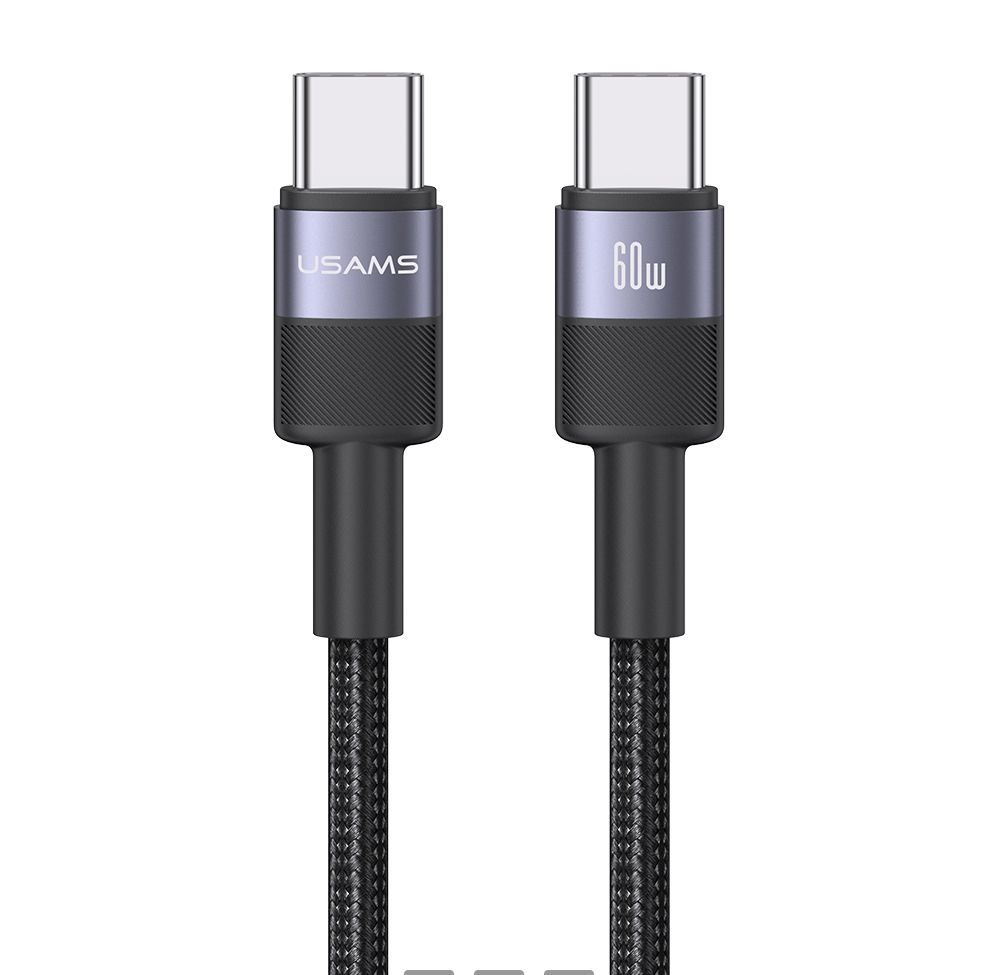
Braided cables offer enhanced durability and resistance to tangling. They are often more robust than standard plastic cables, making them a great choice for users who frequently travel or use their devices on the go. Look for braided cables that also support fast charging and data transfer.
Key Features to Look for in a Charging Cable
Compatibility
Ensure that the charging cable you choose is compatible with the iPhone 15 Pro. While most USB-C cables will work, some may not support fast charging or data transfer. Always check the specifications before purchasing.
Data Transfer Speed
If you plan to use your cable for data transfer as well as charging, consider the data transfer speed. USB 3.0 or higher cables can provide faster data transfer rates, which is beneficial for transferring large files or backing up your device.
Warranty and Brand Reputation
Opt for cables from reputable brands that offer warranties. This can provide peace of mind and assurance of quality. Brands like Anker, Belkin, and Apple are known for their reliable charging accessories.
Recommended Charging Cables for iPhone 15 Pro
Apple USB-C Charge Cable
The official Apple USB-C Charge Cable is a reliable choice for iPhone 15 Pro users. It supports fast charging and is available in various lengths. While it may be pricier than third-party options, its quality and compatibility are guaranteed.
Anker PowerLine III USB-C to USB-C Cable
Anker is known for its durable and high-quality charging accessories. The PowerLine III USB-C to USB-C Cable supports fast charging and is built to last, making it an excellent choice for everyday use.
Belkin Boost Charge USB-C Cable
Belkin’s Boost Charge USB-C Cable is another great option that supports fast charging and data transfer. Its braided design adds durability, making it suitable for users who are always on the move.
Amazon Basics USB-C to USB-C Cable
For those on a budget, the Amazon Basics USB-C to USB-C Cable offers good performance at an affordable price. It supports fast charging and is available in multiple lengths, making it a versatile choice.
Tips for Maintaining Your Charging Cable
Avoid Excessive Bending
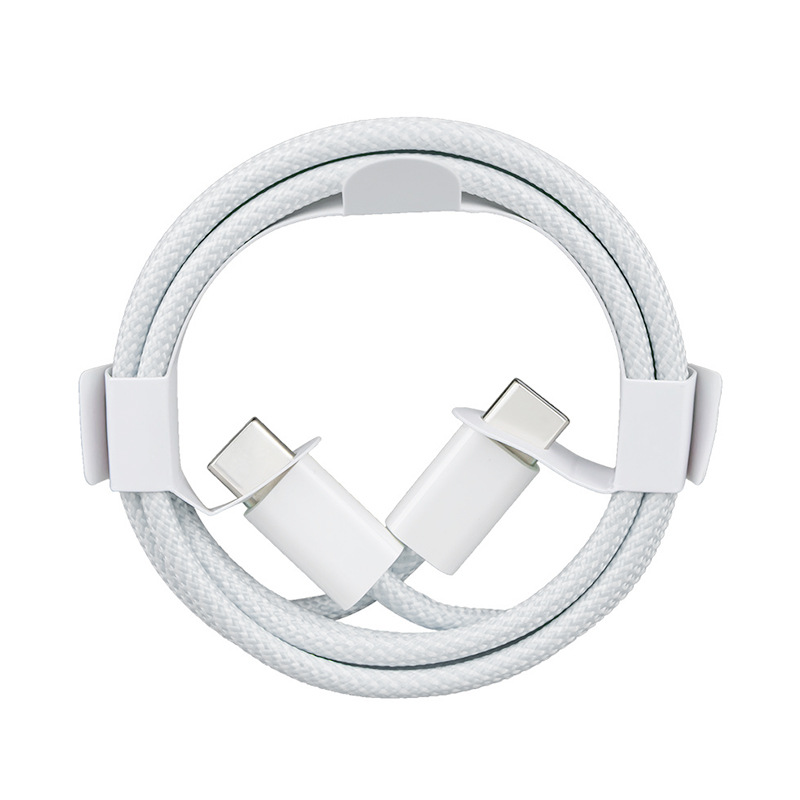
To prolong the life of your charging cable, avoid bending it excessively, especially near the connectors. This can lead to fraying and eventual failure.
Store Properly
When not in use, store your charging cable in a way that prevents tangling and damage. Consider using a cable organizer or simply coiling it loosely.
Keep Away from Heat
Excessive heat can damage the internal components of your charging cable. Avoid leaving it in hot environments, such as inside a car on a sunny day.
Understanding Charging Speeds and Wattage
What Are the Wattage Requirements for Fast Charging the iPhone 15 Pro?
To achieve fast charging on the iPhone 15 Pro, you need a power adapter that provides at least 20W of power. This allows the device to charge significantly faster than with standard chargers. Using a higher wattage charger, such as a 30W or 61W adapter, can also be beneficial, as the iPhone will only draw the power it needs, ensuring safe and efficient charging.
How Do Different USB-C Cable Standards Affect Charging and Data Transfer Speeds?
USB-C cables come in various standards, including USB 2.0, USB 3.0, and USB 3.1. The standard you choose can significantly impact both charging and data transfer speeds. For instance, USB 2.0 cables typically support data transfer speeds of up to 480 Mbps, while USB 3.0 can handle up to 5 Gbps, and USB 3.1 can reach speeds of 10 Gbps or more. For the best performance with your iPhone 15 Pro, opt for USB 3.1 cables, especially if you plan to transfer large files.
What Are the Potential Risks of Using Non-Certified or Low-Quality USB-C Charging Cables?
Using non-certified or low-quality USB-C cables can pose several risks, including slower charging speeds, potential damage to your device, and even safety hazards such as overheating or electrical fires. It is essential to choose cables that are certified by recognized standards, such as USB-IF (USB Implementers Forum), to ensure they meet safety and performance requirements.
The Importance of Cable Length
Choosing the Right Length for Your Needs
When selecting a charging cable, the length can significantly impact your charging experience. Shorter cables (1 meter or less) are ideal for use with power adapters that are close to your device, such as when charging at a desk. Longer cables (2 meters or more) provide flexibility, allowing you to use your device comfortably while it charges, especially in larger spaces or when the power outlet is far away.
Managing Cable Clutter
Long cables can sometimes lead to clutter, especially if you have multiple devices charging in one area. Consider using cable management solutions, such as clips or sleeves, to keep your charging area organized. This not only improves aesthetics but also helps prevent tangling and damage to the cables.
The Future of Charging Cables
Emerging Technologies
As technology continues to advance, we can expect to see new developments in charging cables. Innovations such as wireless charging and improved fast charging technologies are becoming more prevalent. While USB-C will likely remain the standard for wired charging, the integration of wireless charging capabilities in devices like the iPhone 15 Pro offers users more convenience and flexibility.
Sustainability Considerations
With growing awareness of environmental issues, many manufacturers are focusing on creating more sustainable charging solutions. This includes using recyclable materials for cables and packaging, as well as designing products that are built to last. When purchasing charging cables, consider brands that prioritize sustainability in their manufacturing processes.
Best USB-C Power Adapters for Optimal Charging
Recommended Power Adapters
To maximize the charging efficiency of your iPhone 15 Pro, pairing it with the right power adapter is crucial. Here are some of the best options:
- Apple 20W USB-C Power Adapter: This is the official adapter from Apple, designed to work seamlessly with the iPhone 15 Pro. It supports fast charging and is compact, making it easy to carry.
- Anker PowerPort III Nano: This small yet powerful adapter provides 20W of power and is known for its reliability. It’s perfect for travel due to its compact size.
- UGREEN 30W USB-C Power Adapter: This adapter offers more power, making it suitable for charging multiple devices simultaneously. It’s a great option if you have other USB-C devices that require higher wattage.
- RAVPower 61W USB-C Wall Charger: Ideal for users who want to charge their iPhone 15 Pro quickly while also being able to charge a MacBook or iPad. This adapter is versatile and powerful.
How to Choose the Right Adapter
When selecting a power adapter, consider the following factors:
- Wattage: Ensure the adapter provides at least 20W for optimal fast charging. Higher wattage adapters can also be used, as the iPhone will only draw the power it needs.
- Portability: If you travel frequently, look for compact and lightweight options that are easy to pack.
- Brand Reputation: Choose adapters from reputable brands to ensure safety and reliability.
Troubleshooting Charging Issues
Common Charging Problems
If you encounter issues while charging your iPhone 15 Pro, here are some common problems and solutions:
- Device Not Charging: If your iPhone isn’t charging, check the cable and adapter for any visible damage. Try using a different cable or adapter to see if the issue persists.
- Slow Charging: If your device charges slowly, ensure you are using a compatible power adapter that supports fast charging. Also, check if there are any obstructions in the charging port.
- Overheating: If your iPhone becomes excessively hot while charging, disconnect it immediately. This could indicate a problem with the cable or adapter. Avoid using your device while it’s charging to reduce heat.
Steps to Troubleshoot
- Inspect the Cable and Adapter: Look for any signs of wear, fraying, or damage. Replace any faulty components.
- Clean the Charging Port: Dust and debris can accumulate in the charging port, preventing a proper connection. Use a soft brush or compressed air to clean it gently.
- Restart Your Device: Sometimes, a simple restart can resolve charging issues. Turn off your iPhone and turn it back on after a few seconds.
Safety Certifications for Third-Party Cables
What to Look For
When purchasing third-party USB-C cables for your iPhone 15 Pro, it’s essential to ensure they meet safety standards. Look for the following certifications:
- USB-IF Certification: This indicates that the cable meets the standards set by the USB Implementers Forum, ensuring safety and performance.
- MFi Certification: Apple’s “Made for iPhone” certification ensures that the accessory is compatible with Apple devices and meets their performance standards.
- RoHS Compliance: This certification indicates that the product is free from hazardous materials, making it safer for the environment and users.
Why Certifications Matter
Using certified cables reduces the risk of damage to your device and ensures that you receive optimal performance. Non-certified cables may not only charge your device slowly but can also pose safety risks, such as overheating or electrical fires.
Conclusion
Choosing the right charging cable for your iPhone 15 Pro is essential for ensuring optimal performance and longevity of your device. With the shift to USB-C and the support for Power Delivery, it is crucial to select a cable that meets these requirements. By considering factors such as compatibility, durability, and brand reputation, you can find a charging cable that suits your needs perfectly.
How to purchase:Online B2B sourcing platform, China purchase, Chinese suppliers – LooperBuy
Frequently Asked Questions
1. What type of charging cable do I need for my iPhone 15 Pro?
You need a USB-C to USB-C charging cable to charge your iPhone 15 Pro.
2. Can I use my old Lightning cables with the iPhone 15 Pro?
No, the iPhone 15 Pro uses a USB-C port, so Lightning cables are not compatible.
3. How can I ensure fast charging for my iPhone 15 Pro?
To ensure fast charging, use a USB-C cable that supports Power Delivery and a compatible power adapter.
4. Are third-party charging cables safe to use?
Yes, as long as they are from reputable brands and meet the necessary specifications for your device.
5. How long should a charging cable last?
With proper care, a good quality charging cable can last several years. Avoid excessive bending and heat exposure to prolong its life.
HOT TAG: iPhone 15 Pro, USB-C charging cable, fast charging solutions, Power Delivery technology, durable charging accessories, braided USB-C cables, data transfer speeds, Apple certified cables, Anker charging products, Belkin USB-C options, Amazon Basics cables, cable maintenance tips, charging adapter recommendations, troubleshooting charging issues, safety certifications for cables, cable length considerations, sustainable charging solutions, high-quality charging brands, user-friendly charging experiences, optimal charging performance, reliable charging solutions, everyday charging needs, travel-friendly cables, cable organization tips.