Table of Contents
Introduction: Why Radiator Screws Matter in PC Cooling Systems
Computer radiators are critical components in modern cooling systems, especially for gamers, overclockers, and professionals who push their hardware to the limit. While radiators themselves get most of the attention, the screws that secure them often go overlooked—until something goes wrong. Whether you’re building a new PC or maintaining an existing one, understanding how to properly handle radiator screws can prevent leaks, optimize cooling performance, and extend the lifespan of your system. This guide covers everything from installation techniques to troubleshooting common issues, ensuring your radiator stays firmly in place and functions at its best.
The Role of Radiator Screws in PC Cooling Systems
How Radiators Keep Your System Cool
Radiators work by circulating coolant through a series of fins and tubes, dissipating heat absorbed from the CPU or GPU. The screws ensure the radiator remains securely mounted to the case, maintaining proper contact with fans and preventing vibrations that could disrupt airflow.
Why Screws Are Critical for Performance and Safety
Loose or improperly installed screws can lead to coolant leaks, reduced cooling efficiency, and even permanent damage to your motherboard or other components. Tightening them correctly balances pressure and ensures stability, making them as important as the radiator itself.

Types of Radiator Screws and Their Variations
Standard Mounting Screws vs. Specialized Variants
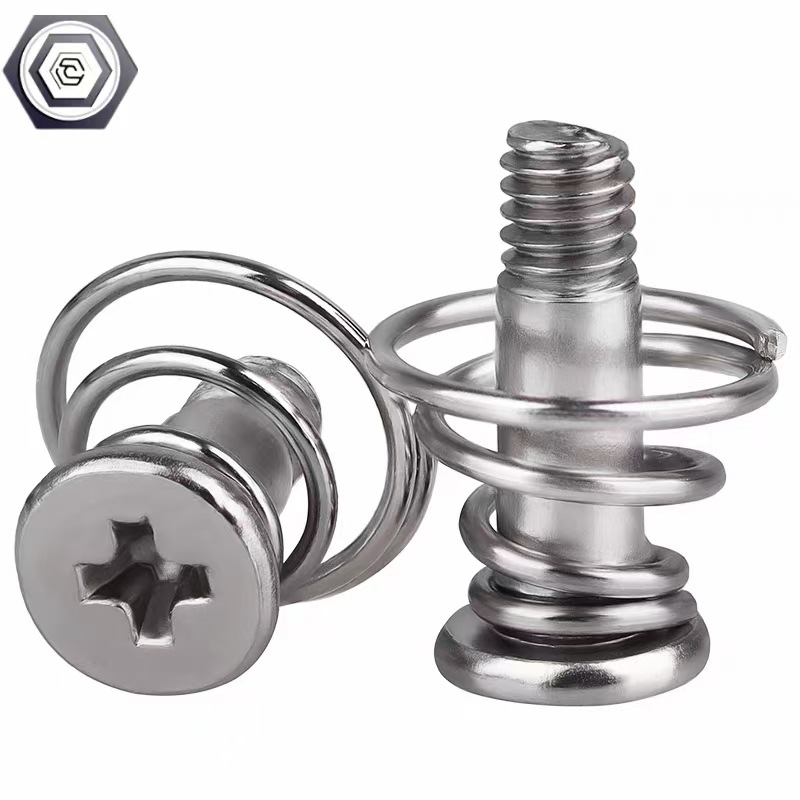
Most radiators use standard hex-head screws, but some high-end models may include quick-release mechanisms or anti-vibration designs. Understanding the type your radiator uses is the first step to proper installation.
Material Considerations: Steel, Brass, and Coated Options
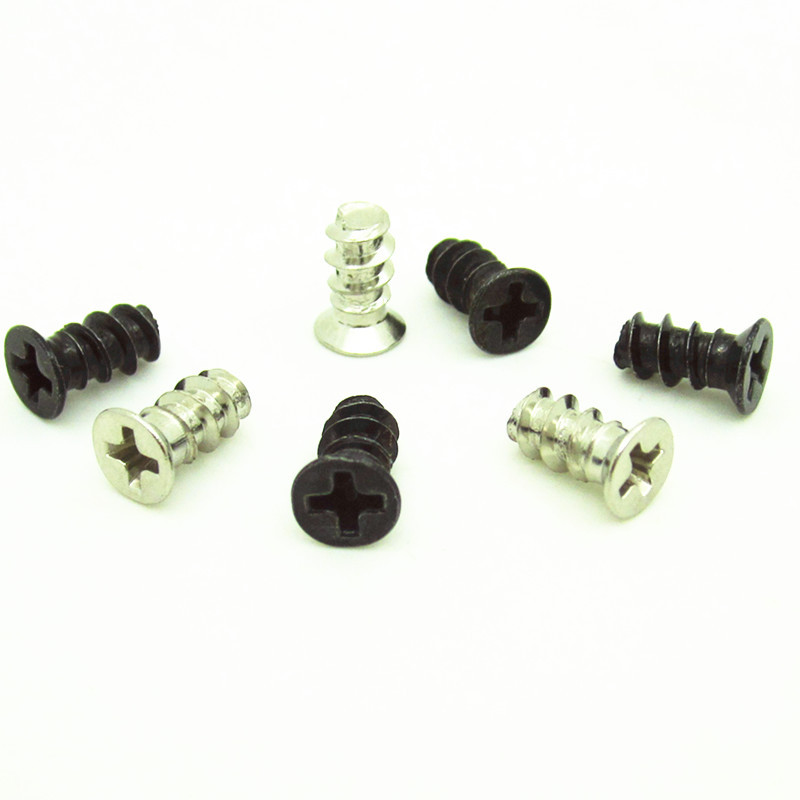
Screws are typically made of steel or brass, with some featuring corrosion-resistant coatings. Brass screws are softer and less likely to strip, while coated steel screws offer better durability in humid environments.
Step-by-Step Guide to Installing Radiator Screws
Preparing Your Case and Radiator
Before installation, ensure your case has the correct mounting holes and that the radiator is free of dust or debris. Align the radiator with the designated slots, using the case’s manual as a reference.
Securing the Radiator: Tightening Techniques
Start by loosely screwing in each corner to hold the radiator in place, then gradually tighten them in a crisscross pattern. Avoid overtightening, which can strip threads or damage the case.
Checking Alignment and Stability
Once all screws are in place, gently shake the radiator to ensure it’s firmly secured. Misaligned screws can cause uneven pressure, leading to coolant leaks or reduced fan efficiency.
Common Mistakes to Avoid When Handling Radiator Screws
Overtightening and Stripping Threads
Applying too much force can strip the screw holes or damage the case, making future installations nearly impossible. Use a screwdriver with the correct torque setting if possible.
Misaligned Screws and Uneven Pressure
Skipping the crisscross tightening pattern can result in uneven pressure, causing the radiator to warp or leak. Always double-check alignment before final tightening.
Using the Wrong Screw Type or Size
Installing incorrect screws can prevent proper contact between the radiator and fans, reducing cooling performance. Always verify compatibility with your radiator model.
Maintenance and Troubleshooting for Radiator Screws
Cleaning and Inspecting Screws Regularly
Dust and debris can accumulate around screw heads, making them harder to tighten or loosen. Periodically clean the area with compressed air or a soft brush.
Identifying and Fixing Loose or Damaged Screws
If you notice vibrations or coolant leaks, check the screws first. Tighten any loose ones, and replace damaged screws immediately to prevent further issues.
When to Replace Radiator Screws Entirely
Over time, screws can wear out or corrode, especially in humid environments. If you encounter frequent stripping or alignment issues, it’s time to invest in new screws.
Advanced Tips for Optimizing Radiator Screw Performance
Using Thread Locker for Extra Security
Applying a small amount of thread locker (like Loctite) can prevent screws from loosening over time, especially in high-vibration environments like gaming PCs.
Upgrading to Anti-Vibration Screws
Some aftermarket screws include rubber inserts to dampen vibrations, reducing noise and improving fan efficiency. These are particularly useful for silent builds.
Customizing Screw Placement for Unique Cases
If your case has non-standard mounting holes, you may need to drill new ones or use adapters. Always measure carefully and test-fit the radiator before final installation.
Conclusion: Mastering Radiator Screws for a Better Cooling Experience
Radiator screws may seem like a minor detail, but they play a huge role in the performance and reliability of your PC’s cooling system. By following proper installation techniques, avoiding common mistakes, and performing regular maintenance, you can ensure your radiator stays securely in place and operates at peak efficiency. Whether you’re a seasoned builder or a first-time PC enthusiast, mastering the art of radiator screws is a small but essential step toward a cooler, more stable system.
How to purchase: https://looperbuy.com/search?keywords=computer+radiator+screws
Frequently Asked Questions (FAQs)
- What’s the best way to tighten radiator screws without stripping them? Use a screwdriver that fits the head perfectly, and tighten gradually in a crisscross pattern. Avoid using excessive force—most radiators only need moderate pressure to stay secure.
- How do I know if my radiator screws are loose? Listen for unusual vibrations or check for coolant leaks around the radiator. You can also gently shake the radiator to feel if it moves excessively.
- Can I use regular screws instead of radiator-specific ones? It’s not recommended. Radiator screws are designed to handle specific pressure and corrosion resistance, while regular screws may strip or fail under stress.
- What should I do if my radiator screws are stripped? If the threads are damaged, you’ll need to replace the screws or use a thread repair kit. In severe cases, you may need to drill out the old holes and install new ones.
- How often should I check and maintain my radiator screws? Inspect them every few months, especially if you move your PC frequently or hear unusual noises. Clean and tighten them as needed to prevent long-term issues.
Hot Tags: Radiator screws; PC cooling maintenance; Fixing loose radiator screws; Thread locker for PC; Anti-vibration screws; Radiator installation guide; PC case hardware; Cooling system upgrades; Preventing coolant leaks; PC hardware troubleshooting