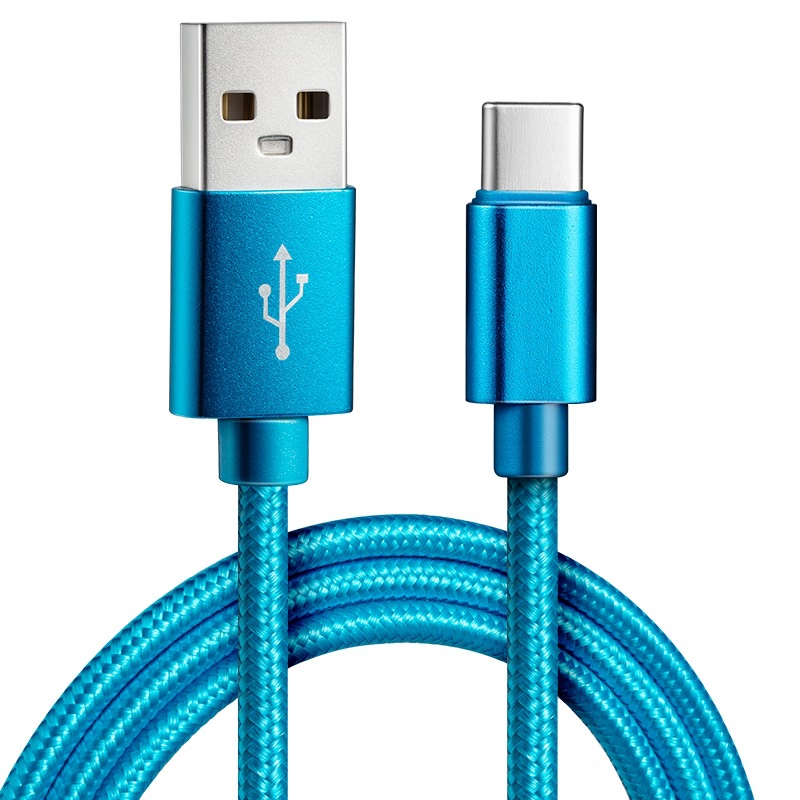
In our fast-paced digital world, the need for efficient charging solutions has never been more critical. As smartphones, tablets, and laptops become integral to our daily lives, understanding how to identify a fast charging USB Type-C cable is essential. This article will guide you through the characteristics of fast charging cables, how to identify them, and the benefits they offer, ensuring you make informed choices for your charging needs.
Table of Contents
Understanding USB Type-C Cables
What is USB Type-C?
USB Type-C is a universal connector that has gained immense popularity due to its versatility and efficiency. Unlike its predecessors, USB Type-C is reversible, meaning it can be plugged in either way, making it user-friendly. This connector supports various protocols, including power delivery (PD) and data transfer, allowing for faster charging and quicker data transfer rates.
The Importance of Fast Charging
Fast charging technology has become a necessity for many users. It allows devices to charge significantly quicker than traditional methods, which is particularly beneficial for smartphones, tablets, and laptops. Fast charging can save time and enhance the user experience, especially for those who are always on the go. With the increasing reliance on mobile devices, having a fast charging solution can make a significant difference in daily productivity.

Identifying Fast Charging Cables
1. Check the Cable Specifications
One of the first steps in identifying a fast charging USB Type-C cable is to examine its specifications. Fast charging cables typically support higher amperage and voltage. Look for cables that specify support for power delivery (PD) or quick charge (QC) technologies.
Amperage and Voltage Ratings
Fast charging cables usually have a higher amperage rating, often around 2.4A or more. Standard cables may only support 1A or less. Additionally, fast charging cables can handle higher voltage levels, such as 9V or 12V, compared to the standard 5V. This capability allows for a more efficient charging process, reducing the time it takes to fully charge a device.
2. Inspect the Cable Thickness
The physical characteristics of the cable can also provide clues about its charging capabilities. Fast charging cables are often thicker than standard cables due to the larger gauge wires used inside. A thicker cable can carry more current, which is essential for fast charging.
Wire Gauge
The wire gauge is a critical factor in determining the cable’s performance. Cables with a lower gauge number (such as 24 AWG) are thicker and can handle more current, making them suitable for fast charging. In contrast, higher gauge numbers (like 28 AWG) indicate thinner wires that may not support fast charging effectively.
3. Look for Certification Marks
Many manufacturers include certification marks on their cables to indicate compatibility with fast charging standards. Look for logos such as USB-IF (USB Implementers Forum) certification, which ensures that the cable meets specific performance standards. Cables that are certified for fast charging will often have this mark prominently displayed.
Importance of Certification
Using certified cables is crucial for safety and performance. Non-certified cables may not only fail to deliver fast charging but can also pose risks such as overheating or damaging your device. Always opt for cables from reputable manufacturers that adhere to industry standards.
4. Examine the Connectors
The connectors of fast charging cables may differ from those of standard cables. Fast charging cables often have reinforced connectors that are designed to handle higher power levels. If the connector feels sturdier or has a more robust design, it may indicate that the cable supports fast charging.
Connector Quality
High-quality connectors are essential for efficient power transfer. Look for connectors that are well-constructed, with no visible signs of wear or damage. A good connector will ensure a secure fit and reliable performance, reducing the risk of connection issues during charging.
5. Test the Cable with a Fast Charger
One of the most straightforward ways to determine if a cable supports fast charging is to test it with a compatible fast charger. When connected, check your device’s charging icon. If you see a lightning bolt or a message indicating fast charging, the cable is likely capable of fast charging.
Using a Compatible Charger
To accurately test a cable’s fast charging capabilities, ensure that you are using a charger that supports fast charging. Many devices come with their own fast chargers, but third-party options are also available. Always check the specifications of the charger to confirm compatibility.
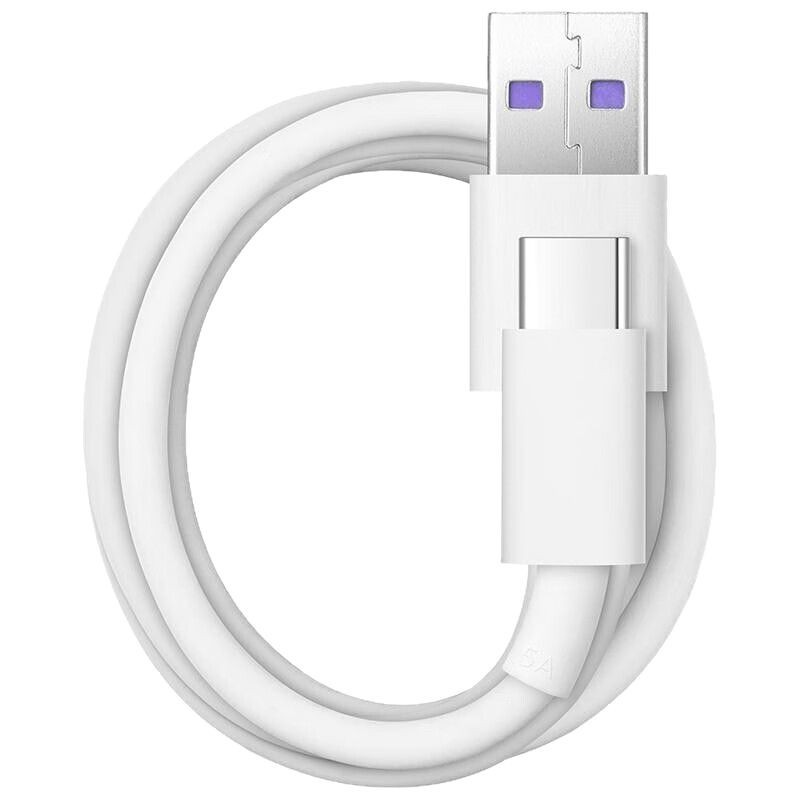
Benefits of Using Fast Charging Cables
Time Efficiency
The most significant advantage of fast charging cables is the time saved during charging. With the ability to charge devices quickly, users can spend less time tethered to a power source and more time using their devices. This is particularly beneficial for individuals with busy schedules who need to recharge their devices in a short amount of time.
Enhanced Device Longevity
Using a fast charging cable that is compatible with your device can help maintain battery health. Fast charging technology is designed to optimize the charging process, reducing the risk of overheating and prolonging battery life. By using the right cable and charger, you can ensure that your device’s battery remains in good condition over time.
Versatility
Fast charging cables are often compatible with a wide range of devices, including smartphones, tablets, and laptops. This versatility makes them a valuable addition to any tech enthusiast’s toolkit. Whether you need to charge your phone, tablet, or laptop, a fast charging cable can handle the task efficiently.
Cost Savings
Investing in a fast charging cable can save you money in the long run. By keeping your devices charged quickly and efficiently, you can avoid the need for multiple chargers and cables. Additionally, maintaining battery health can reduce the frequency of battery replacements, further saving you money.
Common Myths About Fast Charging Cables
Myth 1: All USB Type-C Cables Support Fast Charging
Not all USB Type-C cables are created equal. While the Type-C connector is universal, the capabilities of the cable depend on its specifications. Always check the ratings and certifications to ensure compatibility with fast charging.
Myth 2: Fast Charging Damages Your Device
Many users worry that fast charging may harm their devices. However, reputable manufacturers design fast charging technology to be safe and efficient. As long as you use certified cables and chargers, fast charging should not damage your device.
Myth 3: You Need a Special Charger for Fast Charging
While some devices require specific chargers to enable fast charging, many modern devices are compatible with standard chargers as well. However, to take full advantage of fast charging, using a compatible charger is recommended.
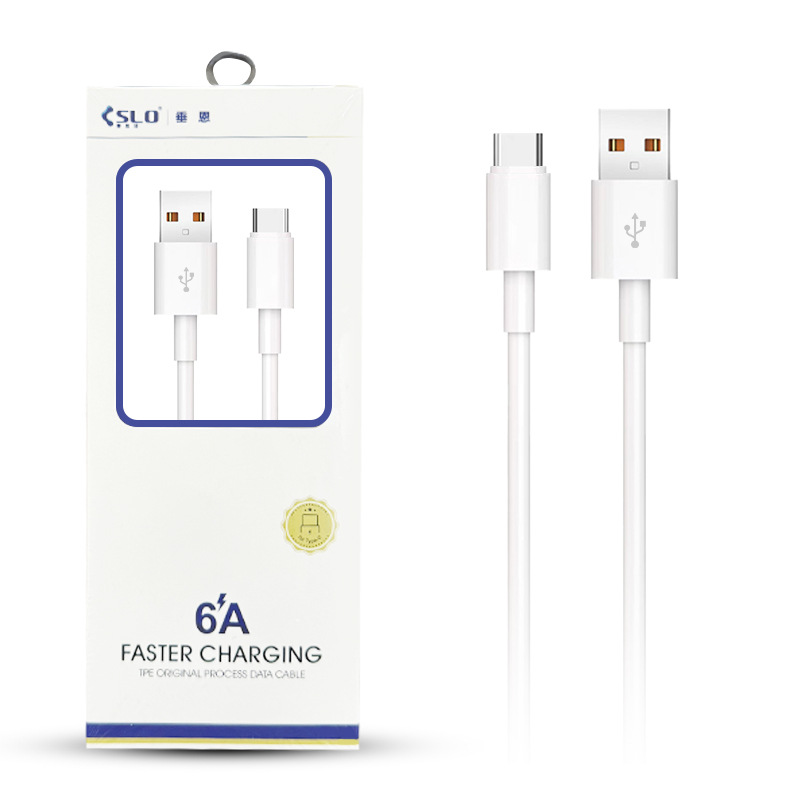
Conclusion
Identifying a fast charging USB Type-C cable is essential for maximizing the efficiency of your devices. By examining the cable specifications, thickness, certification marks, and connectors, you can easily determine whether a cable supports fast charging. The benefits of using fast charging cables, including time efficiency and enhanced device longevity, make them a worthwhile investment for any tech user.
How to purchase:Online B2B sourcing platform, China purchase, Chinese suppliers – LooperBuy
Frequently Asked Questions
1. How can I tell if my USB Type-C cable supports fast charging?
Check the cable specifications for amperage and voltage ratings, look for certification marks, and test it with a fast charger to see if it indicates fast charging.
2. Are all USB Type-C cables the same?
No, not all USB Type-C cables are the same. They can vary in specifications, including amperage, voltage, and support for fast charging technologies.
3. Can I use a fast charging cable with any device?
Fast charging cables are generally compatible with devices that support fast charging. However, always check the device’s specifications to ensure compatibility.
4. Will using a fast charging cable damage my device?
Using a certified fast charging cable should not damage your device. Fast charging technology is designed to be safe and efficient when used with compatible devices.
5. Do I need a special charger for fast charging?
While some devices may require specific chargers for fast charging, many modern devices can utilize standard chargers. However, using a compatible fast charger is recommended for optimal performance.
Hot Tag: Identify fast charging cables, understand USB Type-C specifications, maximize charging efficiency, explore fast charging benefits, enhance device performance, recognize certification marks, test cables for optimal charging, and ensure compatibility with devices. Stay informed and power up your devices effectively with the right charging solutions.