In the world of computing, having the right peripherals can significantly enhance your productivity and overall experience. Among these peripherals, a reliable mouse is essential for navigating your computer efficiently. Dell, a well-known brand in the technology sector, offers a wide range of computer mice designed to meet various needs and preferences. This article will explore the different types of Dell computer mice, their features, benefits, and tips for choosing the right one for your setup.
Table of Contents
Understanding Dell Computer Mice
Dell computer mice come in various designs and functionalities, catering to different user preferences and requirements. Whether you are a gamer, a professional, or a casual user, Dell has a mouse that can enhance your computing experience.
Types of Dell Computer Mice
Dell offers several types of mice, each designed for specific use cases. Here are some of the most common types:
Wired Mice
Wired mice connect directly to your computer via a USB port. They are known for their reliability and consistent performance, making them a popular choice for gamers and professionals who require precision and speed. Wired mice do not require batteries, ensuring that you never run out of power during critical tasks.
Wireless Mice
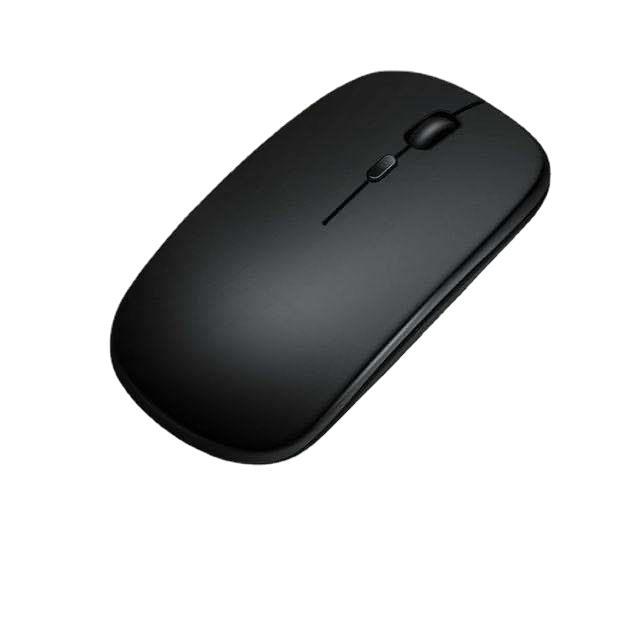
Wireless mice offer the convenience of mobility without the hassle of cords. They connect to your computer via Bluetooth or a USB receiver, allowing for a clutter-free workspace. Many users prefer wireless mice for their portability, making them ideal for travel or use with laptops.
Gaming Mice
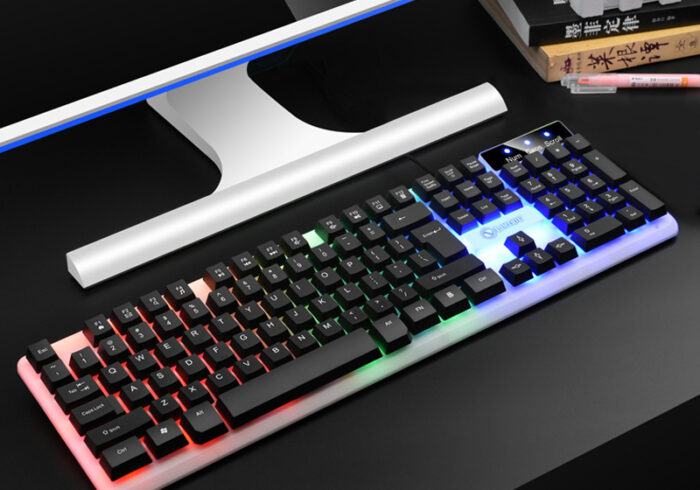
Dell’s gaming mice are designed with gamers in mind, featuring high DPI (dots per inch) settings for precision tracking, customizable buttons, and ergonomic designs for comfort during long gaming sessions. These mice often come with RGB lighting and advanced software for personalization.
Ergonomic Mice
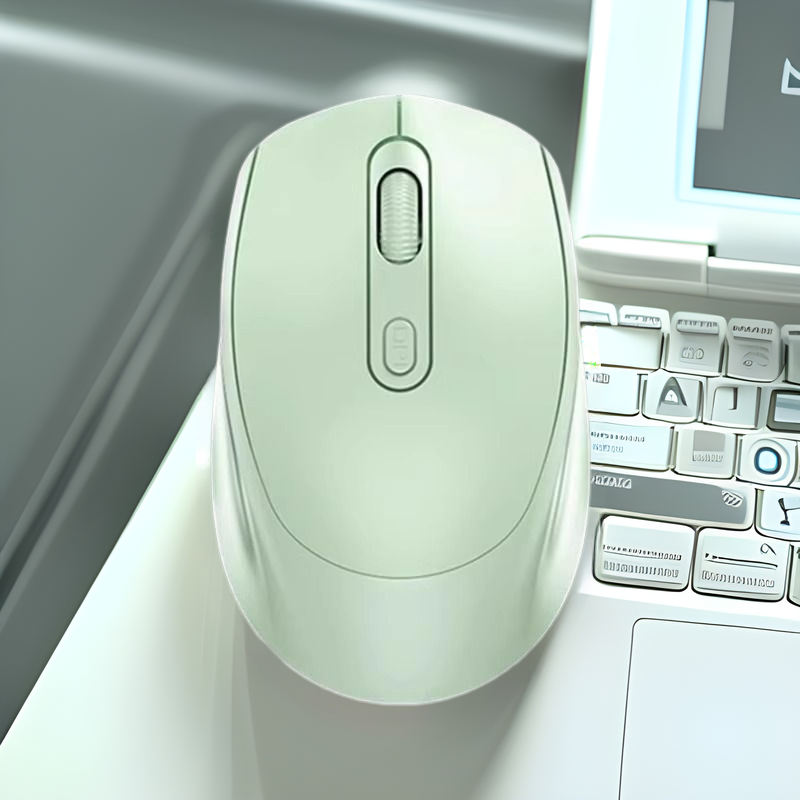
For users who spend long hours at their computers, ergonomic mice are designed to reduce strain on the wrist and hand. These mice often feature a contoured shape that promotes a natural hand position, helping to prevent discomfort and repetitive strain injuries.
Benefits of Using Dell Computer Mice
Choosing a Dell computer mouse comes with several advantages that can enhance your overall computing experience.
Comfort and Ergonomics
Dell offers a range of mice designed with comfort in mind. Ergonomic designs help reduce strain on the wrist and hand, making it easier to work for extended periods without discomfort. Many models feature soft-touch materials and contoured shapes that fit comfortably in the hand.
Precision and Performance
Dell computer mice are known for their precision and responsiveness. Whether you are gaming, designing, or simply browsing the web, a high-quality mouse can make a significant difference in your performance. Many Dell mice come with adjustable DPI settings, allowing you to customize the sensitivity to suit your needs.
Versatility
Dell mice are versatile and can be used with various devices, including desktops, laptops, and tablets. Many models are compatible with multiple operating systems, making them a great choice for users who switch between devices.
Durability
Dell is known for producing high-quality products, and their mice are no exception. Built with durable materials, Dell mice are designed to withstand daily use and provide long-lasting performance. Many models also come with warranties, giving you peace of mind with your purchase.
Choosing the Right Dell Computer Mouse
When selecting a Dell computer mouse, there are several factors to consider to ensure you find the perfect one for your needs.
Purpose
Consider how you plan to use the mouse. If you are a gamer, look for a mouse with high DPI settings and customizable buttons. For office use, an ergonomic mouse may be more suitable. Understanding your primary use case will help narrow down your options.
Size and Shape
The size and shape of the mouse are crucial for comfort and usability. Choose a mouse that fits comfortably in your hand and allows for easy access to buttons. If possible, try out different models to find the one that feels best for you.
Connectivity
Decide whether you prefer a wired or wireless mouse. Wired mice offer reliability and no need for batteries, while wireless mice provide freedom of movement and a cleaner workspace. Consider your preferences and how you plan to use the mouse.
Features
Look for features that enhance usability, such as programmable buttons, adjustable DPI settings, and customizable lighting. These features can improve your overall experience and make the mouse more suited to your needs.
Budget
Dell offers a range of mice at various price points. Determine your budget before shopping and consider what features are most important to you. While it can be tempting to choose the cheapest option, investing in a quality mouse can pay off in the long run.
Popular Dell Computer Mice Models
Dell offers a variety of computer mice, each with unique features and benefits. Here are some popular models to consider:
Dell WM126 Wireless Mouse
The Dell WM126 is a compact and affordable wireless mouse that is perfect for everyday use. It features a comfortable design, a long battery life, and a reliable wireless connection. This mouse is ideal for users who need a portable option for their laptops.
Dell Alienware AW610M Gaming Mouse
For gamers, the Dell Alienware AW610M is a top choice. This wireless gaming mouse features customizable RGB lighting, adjustable DPI settings, and programmable buttons for a personalized gaming experience. Its ergonomic design ensures comfort during long gaming sessions.
Dell MS3320W Wireless Mouse
The Dell MS3320W is a versatile wireless mouse that offers a comfortable grip and precise tracking. It features a long battery life and is compatible with multiple devices, making it a great option for users who switch between computers.
Dell Wired Mouse (M318)
The Dell M318 is a reliable wired mouse that offers excellent performance at an affordable price. Its simple design and plug-and-play functionality make it a great choice for users who prefer a straightforward option without the need for batteries.
Dell Premier Wireless Mouse (WM527)
The Dell Premier Wireless Mouse is designed for professionals who require a high-performance mouse for work. It features a sleek design, customizable buttons, and a long battery life, making it an excellent choice for productivity.
Caring for Your Dell Computer Mouse
To ensure your Dell computer mouse remains in optimal condition, regular maintenance is essential. Here are some tips for caring for your mouse:
Cleaning
Dust and debris can accumulate on the surface of your mouse, affecting its performance. Use a soft, damp cloth to wipe down the exterior regularly. For the sensor, use a cotton swab to gently clean any dirt or dust that may have collected.
Storage
When not in use, store your mouse in a safe place to prevent damage. If you have a wireless mouse, consider removing the batteries to prevent corrosion. Avoid exposing the mouse to extreme temperatures or moisture.
Check for Wear and Tear
Periodically inspect your mouse for any signs of wear or damage. Check the cable for fraying or the buttons for responsiveness. If you notice any issues, consider replacing the mouse to ensure optimal performance.
Update Drivers
Keep your mouse drivers updated to ensure compatibility with your operating system and to take advantage of any new features. Check the Dell website for the latest driver updates and installation instructions.
Conclusion
Dell computer mice are essential tools for enhancing your computing experience. With a variety of models available, there is a mouse to suit every need and preference. By understanding the benefits of different types of mice, how to choose the right one, and how to care for it, you can ensure that your Dell mouse serves you well for years to come.
How to purchase:Online B2B sourcing platform, China purchase, Chinese suppliers – LooperBuy
Frequently Asked Questions
What are the benefits of using a Dell computer mouse?
Dell computer mice offer comfort, precision, and durability, enhancing your overall computing experience.
How do I choose the right Dell mouse for my needs?
Consider your primary use case, such as gaming or office work, and look for features that suit your preferences.
Can I use a Dell mouse with any computer?
Most Dell mice are compatible with various operating systems, including Windows and macOS. Check the specifications for compatibility.
How do I clean my Dell mouse?
Use a soft, damp cloth to wipe down the exterior and a cotton swab to clean the sensor. Avoid using harsh chemicals.
What should I do if my Dell mouse is not working?
Check the connection, replace batteries if it’s wireless, and ensure that drivers are up to date. If issues persist, consider contacting Dell support.
Hot Tag: Dell computer mice, wired vs. wireless mice, gaming accessories, ergonomic design, productivity tools, high-performance peripherals, mouse maintenance tips, choosing the right mouse, comfort and precision, tech gadgets for work, gaming enhancements, user-friendly features, durable materials, stylish designs, office essentials.