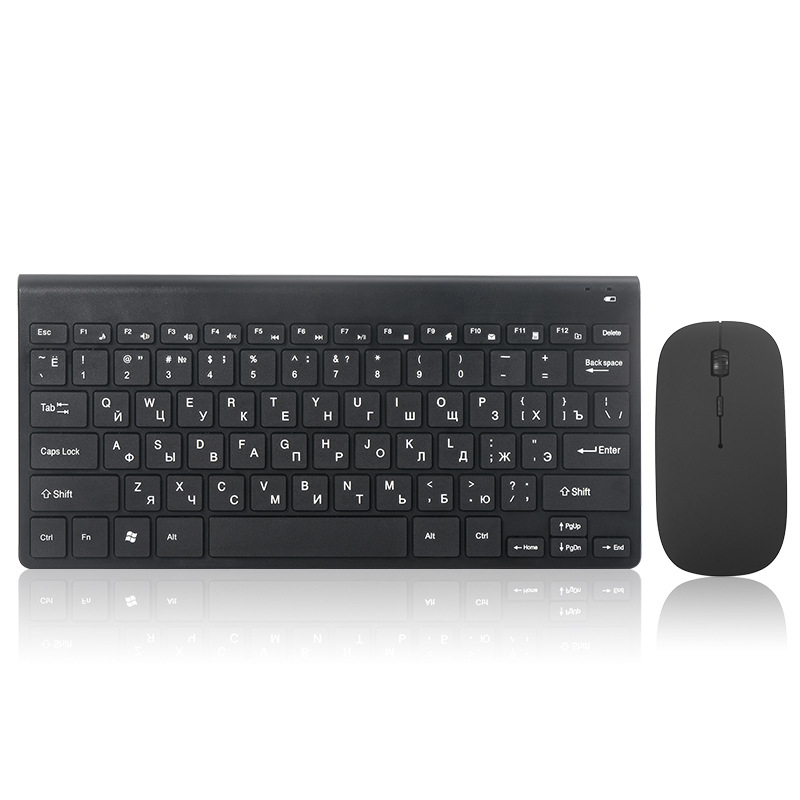
In the realm of digital communication, the degree symbol (°) plays a crucial role, especially in fields such as mathematics, science, and everyday discussions about temperature. Whether you’re writing a report, creating a presentation, or simply texting a friend, knowing how to effectively use the degree symbol can enhance your communication. This article will provide a comprehensive guide on how to identify and use the degree symbol on your computer keyboard, along with tips and tricks for various applications.
Table of Contents
Understanding the Degree Symbol
The degree symbol is a small circle that is typically placed above a number to indicate degrees of arc, temperature, or angles. It is commonly used in contexts such as:
- Temperature: Indicating degrees Celsius (°C) or degrees Fahrenheit (°F).
- Angles: Representing degrees in geometry and trigonometry.
- Geographical Coordinates: Denoting degrees of latitude and longitude.
The Importance of the Degree Symbol
Using the degree symbol correctly is essential for clarity and precision in communication. For instance, writing “30 degrees Celsius” is much clearer than simply writing “30 C,” especially in scientific contexts where accuracy is paramount.
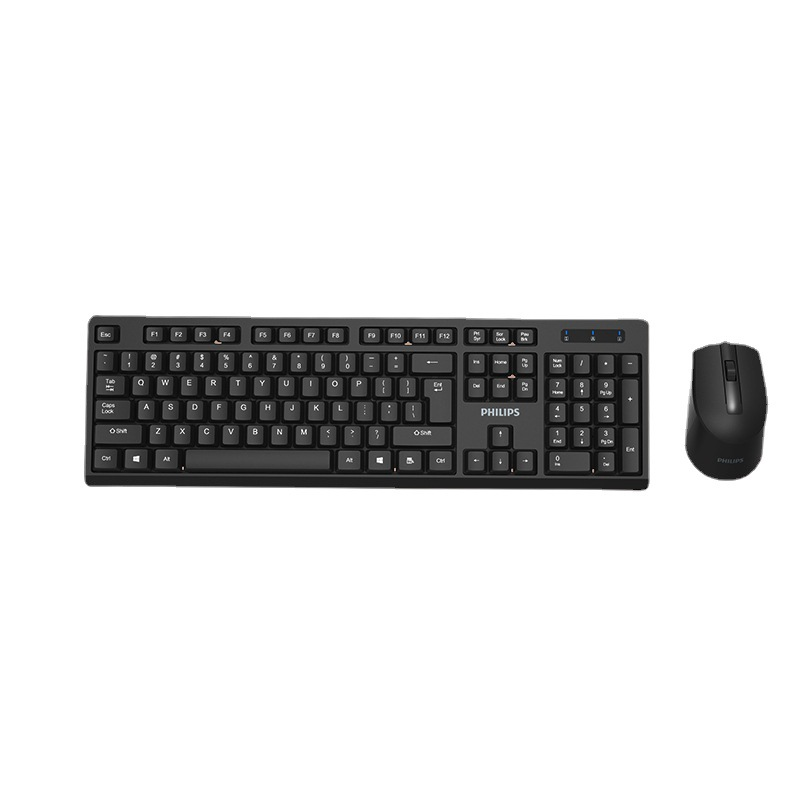
How to Identify the Degree Symbol on Your Keyboard
Identifying the degree symbol on your keyboard can vary depending on the type of keyboard you are using. Here are some common methods for different operating systems:
For Windows Users
On Windows computers, the degree symbol can be typed using the Alt code method. To do this, follow these steps:
- Ensure that the Num Lock key is activated on your keyboard.
- Hold down the Alt key.
- Using the numeric keypad, type 0176.
- Release the Alt key, and the degree symbol should appear.
Alternatively, you can also use the Character Map application, which allows you to find and copy special characters, including the degree symbol.
For Mac Users
If you are using a Mac, typing the degree symbol is straightforward:
- Press and hold the Option key.
- While holding the Option key, press the Shift key.
- Finally, press the number 8 key.
This combination will insert the degree symbol into your text.
For Mobile Devices
On mobile devices, accessing the degree symbol may vary based on the operating system:
- iOS: Switch to the numeric keyboard by tapping the “123” key. Then, tap the “#+=” key to find the degree symbol.
- Android: Similar to iOS, switch to the numeric keyboard and look for the degree symbol, usually found under the symbols section.
Applications of the Degree Symbol
The degree symbol is used in various applications, and knowing how to use it effectively can enhance your writing. Here are some common contexts where the degree symbol is essential:
Scientific Writing
In scientific writing, the degree symbol is crucial for indicating temperature measurements. For example, when discussing the boiling point of water, it is important to specify “100°C” rather than just “100.” This precision is vital for clarity in scientific communication.
Mathematics and Geometry
In mathematics, the degree symbol is used to denote angles. For instance, when stating that a triangle has angles of 30°, 60°, and 90°, the degree symbol helps convey the information accurately.
Everyday Communication
In everyday communication, the degree symbol can be used in casual conversations about weather or cooking. For example, saying “It’s going to be 75°F today” is clearer and more informative than simply stating “It’s going to be 75.”
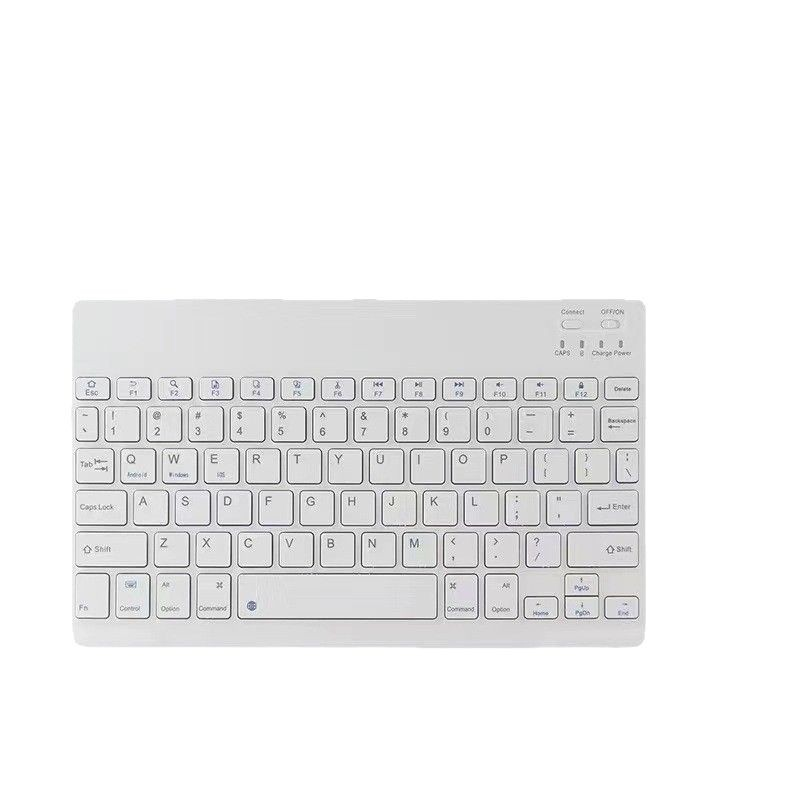
Tips for Using the Degree Symbol Effectively
To ensure that you are using the degree symbol effectively in your writing, consider the following tips:
Consistency
When using the degree symbol, maintain consistency throughout your document. If you choose to use the degree symbol for temperature, ensure that you use it consistently for all temperature references.
Clarity
Always provide context when using the degree symbol. For example, specify whether you are referring to Celsius or Fahrenheit when discussing temperature. This clarity helps avoid confusion.
Formatting
In formal writing, ensure that the degree symbol is properly formatted. For instance, it should be placed directly after the number with no space in between (e.g., 25°C, not 25 °C).
Accessibility
When sharing documents or presentations, ensure that the degree symbol is accessible to all readers. If using software that may not support special characters, consider providing a brief explanation or using alternative wording.
Conclusion
Mastering the use of the degree symbol is essential for effective communication in various fields, from science to everyday conversations. By understanding how to identify and use the degree symbol on your computer keyboard, you can enhance your writing and ensure clarity in your messages. Whether you are discussing temperatures, angles, or geographical coordinates, the degree symbol is a valuable tool that adds precision to your communication.
How to purchase:Online B2B sourcing platform, China purchase, Chinese suppliers – LooperBuy
Frequently Asked Questions
1.What is the degree symbol used for?
The degree symbol is used to indicate degrees of temperature, angles in geometry, and geographical coordinates.
2.How do I type the degree symbol on a Windows computer?
Hold down the Alt key and type 0176 on the numeric keypad, then release the Alt key.
3.How do I type the degree symbol on a Mac?
Press and hold the Option key, then press the Shift key and the number 8 key.
4.Can I access the degree symbol on my mobile device?
Yes, on iOS and Android devices, you can find the degree symbol in the numeric keyboard or symbols
Hot Tag: degree symbol usage, typing special characters, keyboard shortcuts, scientific notation, mathematical symbols, temperature measurements, mobile device tips, effective communication, writing clarity, digital literacy, character map tools, everyday applications, precision in writing, academic writing standards, user-friendly guides.