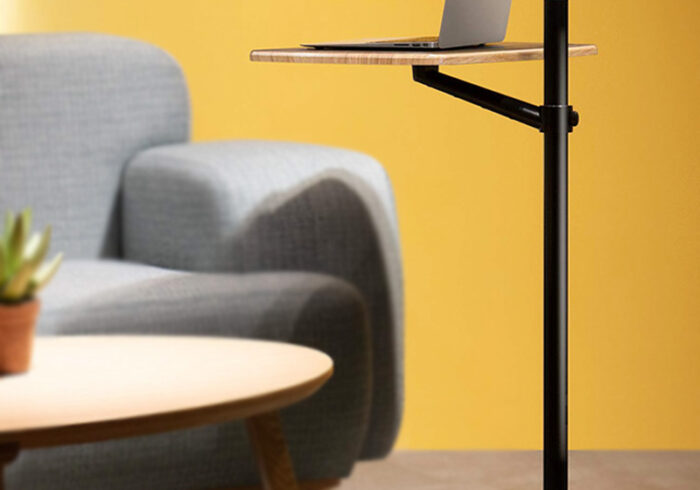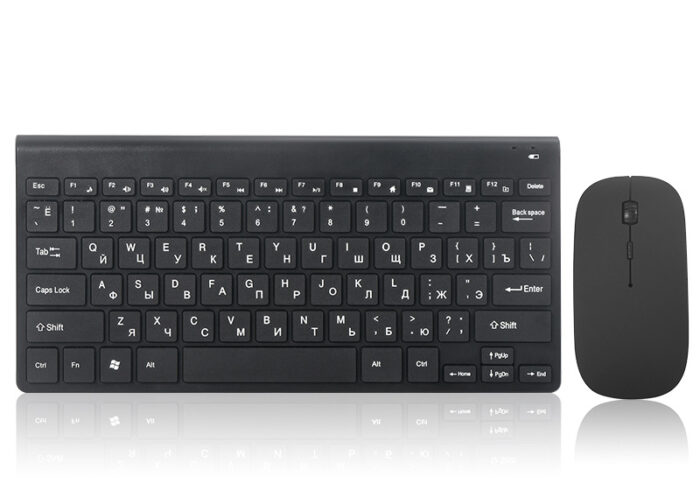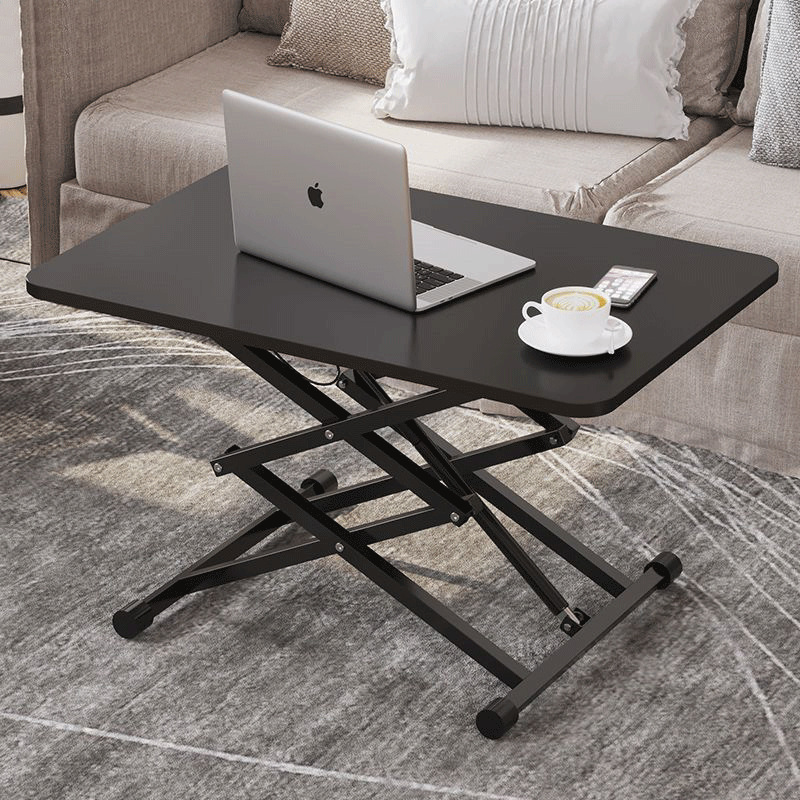
In the modern workplace, the importance of ergonomics and comfort cannot be overstated. As more people transition to remote work or flexible office environments, standing desks have gained popularity for their health benefits and ability to promote productivity. A crucial component of a standing desk setup is the computer stand, which allows users to position their monitors at eye level, reducing strain on the neck and back. This article will explore the various types of computer stands for standing desks, their features, benefits, and tips for choosing the right one for your workspace.
Table of Contents
Understanding Computer Stands for Standing Desks
What is a Computer Stand for a Standing Desk?
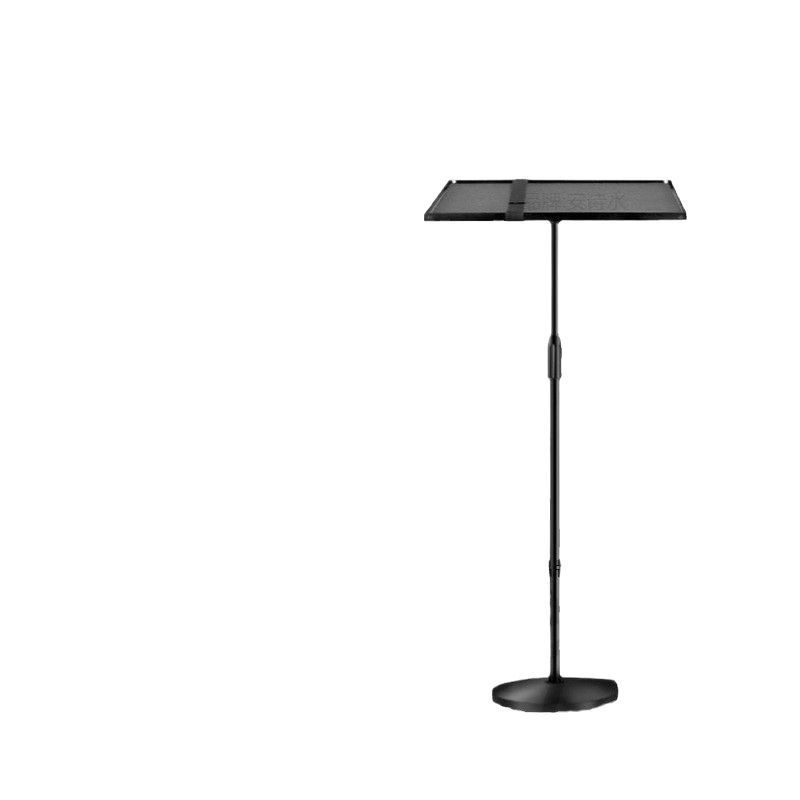
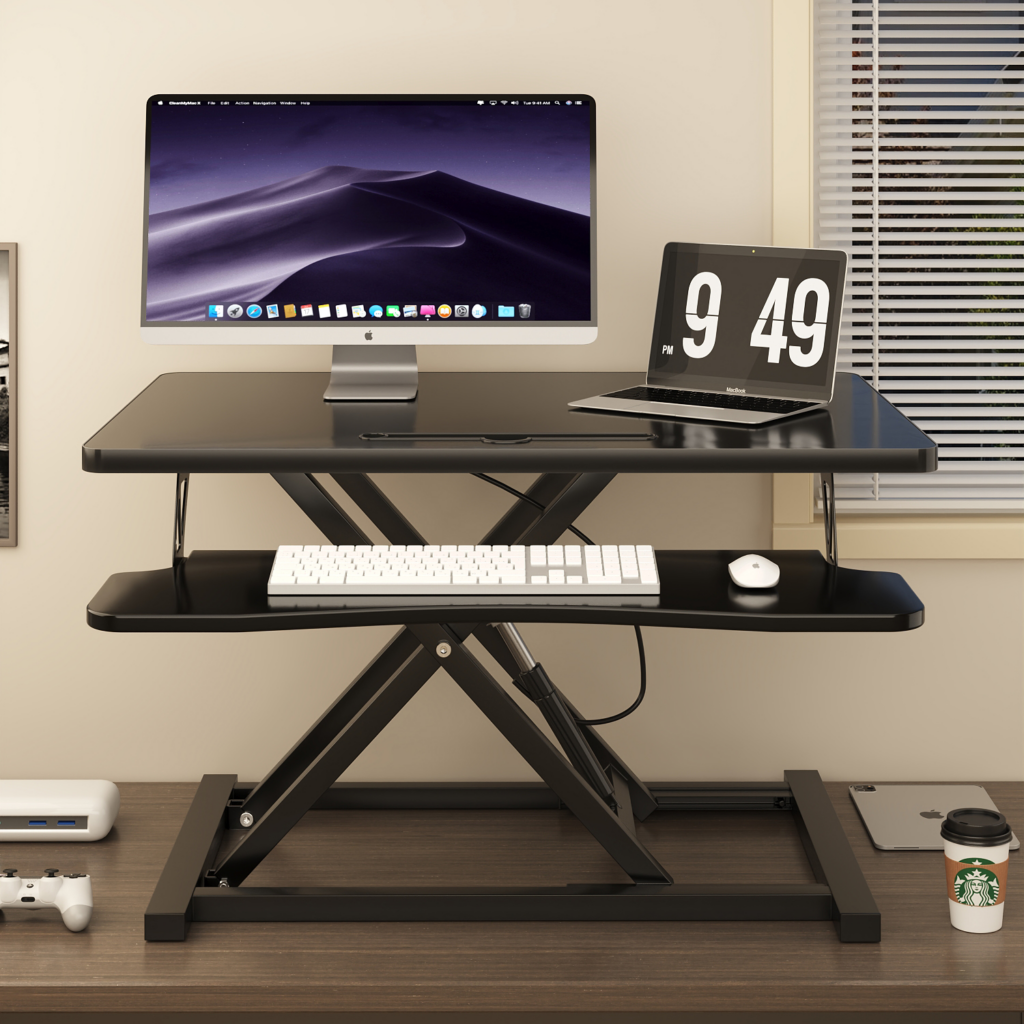
A computer stand for a standing desk is an accessory designed to elevate your monitor or laptop to an ergonomic height. These stands come in various styles, materials, and designs, allowing users to customize their workspace according to their needs. By raising the screen to eye level, computer stands help promote better posture and reduce discomfort during long hours of work.
The Importance of Ergonomics
Ergonomics is the science of designing the workplace to fit the user’s needs. Proper ergonomics can help prevent musculoskeletal disorders, improve comfort, and enhance productivity. Using a computer stand to position your monitor correctly is a key aspect of creating an ergonomic workspace. It allows you to maintain a neutral spine position, reducing the risk of strain and injury.
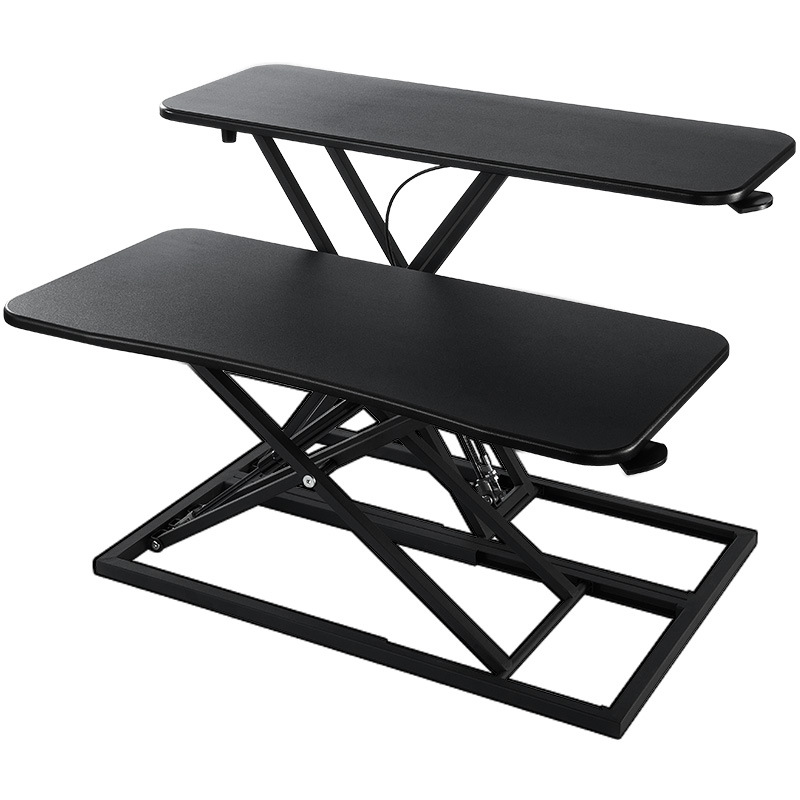
Types of Computer Stands for Standing Desks
1. Adjustable Stands
Adjustable computer stands are versatile options that allow users to customize the height and angle of their monitors. These stands typically feature a mechanism that enables easy adjustments, making them suitable for multiple users or varying tasks. Adjustable stands are ideal for shared workspaces or for individuals who frequently switch between sitting and standing.
2. Fixed Height Stands
Fixed height stands are designed to hold monitors at a specific height. While they do not offer the flexibility of adjustable stands, they can provide a stable and sturdy base for your monitor. Fixed height stands are often more affordable and can be a great option for those who have a dedicated workspace and do not require frequent adjustments.
3. Monitor Risers
Monitor risers are simple platforms that elevate your monitor to eye level. They are typically made from wood, plastic, or metal and can be used in conjunction with standing desks. Monitor risers often feature additional storage space underneath, allowing you to keep your workspace organized and clutter-free.
4. Laptop Stands
For those who primarily use laptops, laptop stands are an excellent choice. These stands are designed to elevate the laptop screen to eye level while providing ventilation to prevent overheating. Many laptop stands are lightweight and portable, making them ideal for remote work or travel.
5. Wall-Mounted Stands
Wall-mounted computer stands are a space-saving solution for those with limited desk space. These stands attach directly to the wall, allowing you to position your monitor at the desired height. Wall-mounted stands are particularly useful in small offices or home workspaces where maximizing space is essential.
Features of Computer Stands for Standing Desks
1. Height Adjustment Mechanism
Many computer stands feature a height adjustment mechanism that allows users to customize the height of their monitors. This feature is essential for creating an ergonomic workspace that accommodates individual preferences and needs.
2. Sturdy Construction
A quality computer stand should be made from durable materials that can support the weight of your monitor or laptop. Look for stands made from high-quality wood, metal, or reinforced plastic to ensure stability and longevity.
3. Cable Management
Effective cable management is an important feature to consider when choosing a computer stand. Many stands come with built-in cable management systems that help keep cords organized and out of sight, reducing clutter and improving the overall appearance of your workspace.
4. Non-Slip Base
A non-slip base is crucial for ensuring that your computer stand remains stable during use. Look for stands with rubberized feet or other non-slip materials that prevent movement and protect your desk surface from scratches.
5. Aesthetic Appeal
Computer stands come in various designs and finishes, allowing you to choose one that complements your workspace. Whether you prefer a sleek modern look or a more traditional style, there are options available to suit your taste.
Benefits of Using Computer Stands for Standing Desks
1. Improved Posture
Using a computer stand helps promote better posture by positioning your monitor at eye level. This reduces the strain on your neck and back, allowing you to work comfortably for longer periods.
2. Enhanced Comfort
By elevating your monitor, a computer stand can enhance your overall comfort while working. This is especially important for individuals who spend long hours at their desks, as proper ergonomics can help prevent discomfort and fatigue.
3. Increased Productivity
When you are comfortable and pain-free, you are more likely to be productive. A computer stand can help create an ergonomic workspace that allows you to focus on your tasks without distractions from discomfort.
4. Versatility
Many computer stands are designed to accommodate various devices, including monitors, laptops, and tablets. This versatility makes them a valuable addition to any workspace, whether at home or in the office.
5. Space-Saving Solutions
Computer stands can help maximize your workspace by providing additional storage options. Many stands feature shelves or compartments for storing office supplies, helping to keep your desk organized and clutter-free.
Choosing the Right Computer Stand for Your Needs
1. Assess Your Workspace
Before purchasing a computer stand, assess your workspace to determine the best fit. Consider the size of your desk, the type of monitor or laptop you use, and any additional features you may need.
2. Determine Your Height Preferences
Consider your height and how you plan to use the stand. If you frequently switch between sitting and standing, an adjustable stand may be the best option. If you have a dedicated workspace, a fixed height stand may suffice.
3. Check for Compatibility
Ensure that the computer stand you choose is compatible with your monitor or laptop. Check the weight capacity and dimensions to ensure a proper fit.
4. Read Customer Reviews
Before making a purchase, read customer reviews to gain insight into the performance and durability of the stand. Reviews can provide valuable information about how well the stand holds up over time and how satisfied other customers are with their purchases.
5. Compare Prices
Finally, compare prices from different retailers to ensure you are getting the best deal. While it is important to find a stand that fits your budget, prioritize quality and features over price alone.
Caring for Your Computer Stand
1. Regular Cleaning
To keep your computer stand in top condition, establish a regular cleaning routine. Dust the surface and wipe it down with a damp cloth to remove any dirt or debris.
2. Inspect for Damage
Regularly inspect your computer stand for signs of wear and tear. Check for any cracks, loose parts, or instability. If you notice any significant damage, consider replacing the stand to ensure your safety and comfort.
3. Store Properly
When not in use, store your computer stand in a cool, dry place. Avoid exposing it to direct sunlight for extended periods, as this can cause fading and deterioration of the materials.
4. Use with Compatible Devices
To ensure the longevity of your computer stand, use it only with compatible devices. Using the stand with devices that exceed its weight capacity can lead to damage or instability.
5. Follow Manufacturer Instructions
Always follow the manufacturer’s instructions for assembly, use, and care. This will help ensure that your computer stand remains in good condition and functions as intended.
Conclusion
Computer stands for standing desks are essential tools for creating an ergonomic and comfortable workspace. With various types available, including adjustable, fixed height, and wall-mounted options, there is a computer stand to suit every need. By understanding the features and benefits of computer stands, you can make informed decisions and enjoy a more productive and comfortable work experience.
How to purchase:Online B2B sourcing platform, China purchase, Chinese suppliers – LooperBuy
Frequently Asked Questions
1. What types of computer stands are available for standing desks?
Computer stands for standing desks come in various types, including adjustable stands, fixed height stands, monitor risers, laptop stands, and wall-mounted stands.
2. How do I choose the right computer stand for my needs?
Consider your workspace, the type of monitor or laptop you use, and any specific features you need when selecting a computer stand.
3. Are computer stands easy to clean?
Yes, most computer stands can be easily cleaned with a damp cloth. Regular cleaning helps maintain their appearance and functionality.
4. Can I use a computer stand for multiple devices?
Many computer stands are designed to accommodate various devices, including monitors, laptops, and tablets, making them versatile for different setups.
5. How do I maintain my computer stand?
Regularly inspect your stand for damage, clean it as needed, and store it properly when not in use to ensure its longevity.
Hot Tag: Computer stands for standing desks, ergonomic workspace solutions, adjustable and fixed height options, benefits of using a computer stand, enhancing comfort and productivity, versatile designs for various devices, tips for choosing the right stand, maintaining your computer stand, stylish and functional accessories, perfect for home and office use.